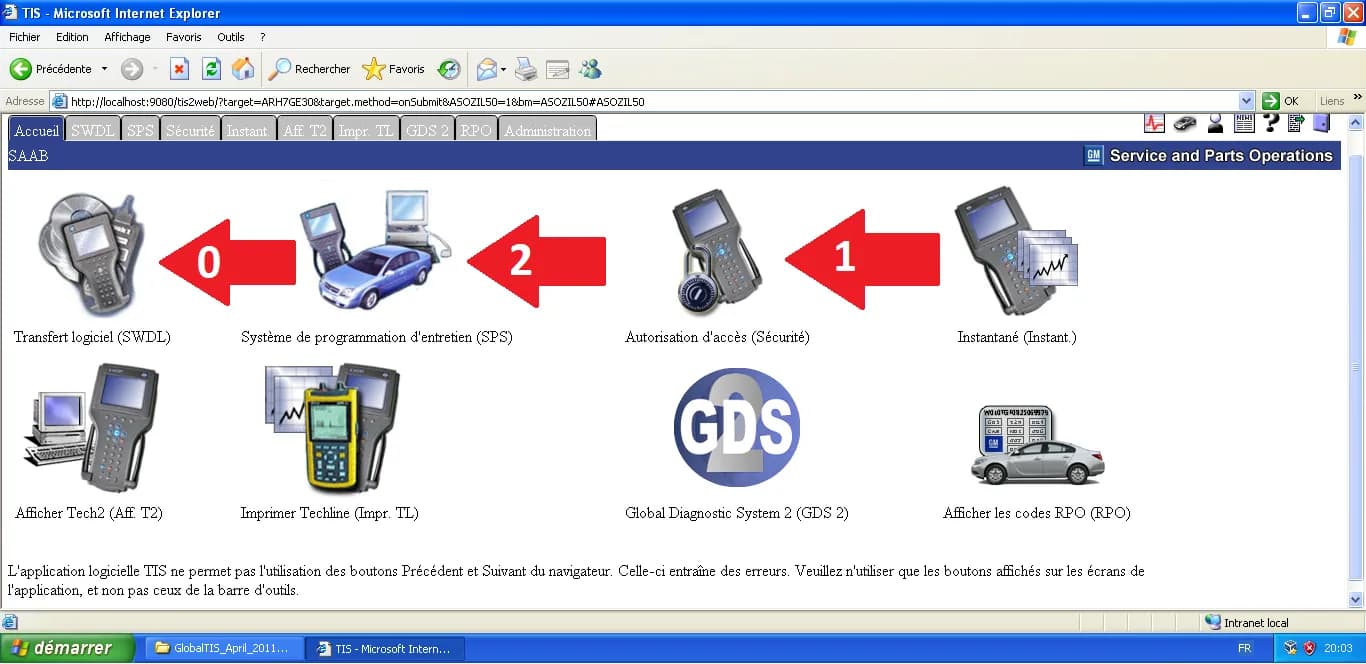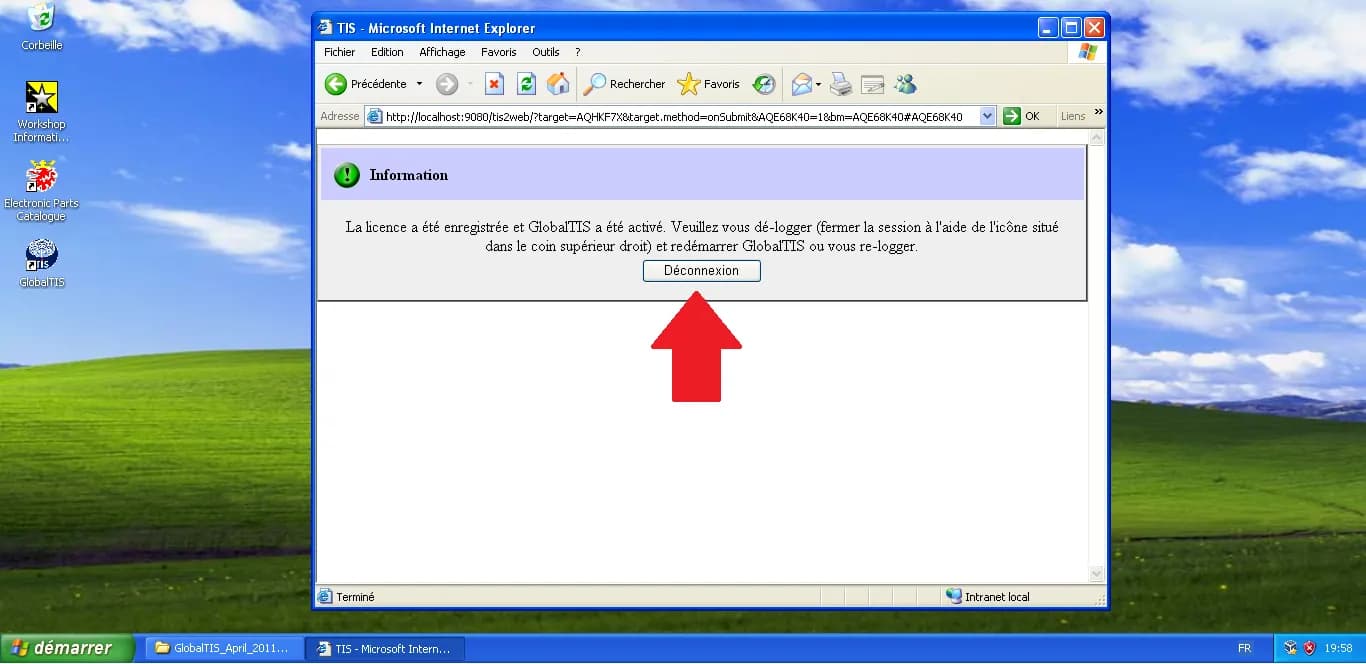
GlobalTIS: Solving 'NIV Change Not Supported' & Forcing SPS Updates
Every Saab owner using GlobalTIS has eventually faced the dreaded "NIV change not supported" message or the refusal to re-flash a module because the software version is "already up to date."
These are artificial software locks. In this guide, we will go "under the hood" of GlobalTIS to modify its internal Transbase database and unlock the Service Programming System (SPS).
1. Installing the SQL Client
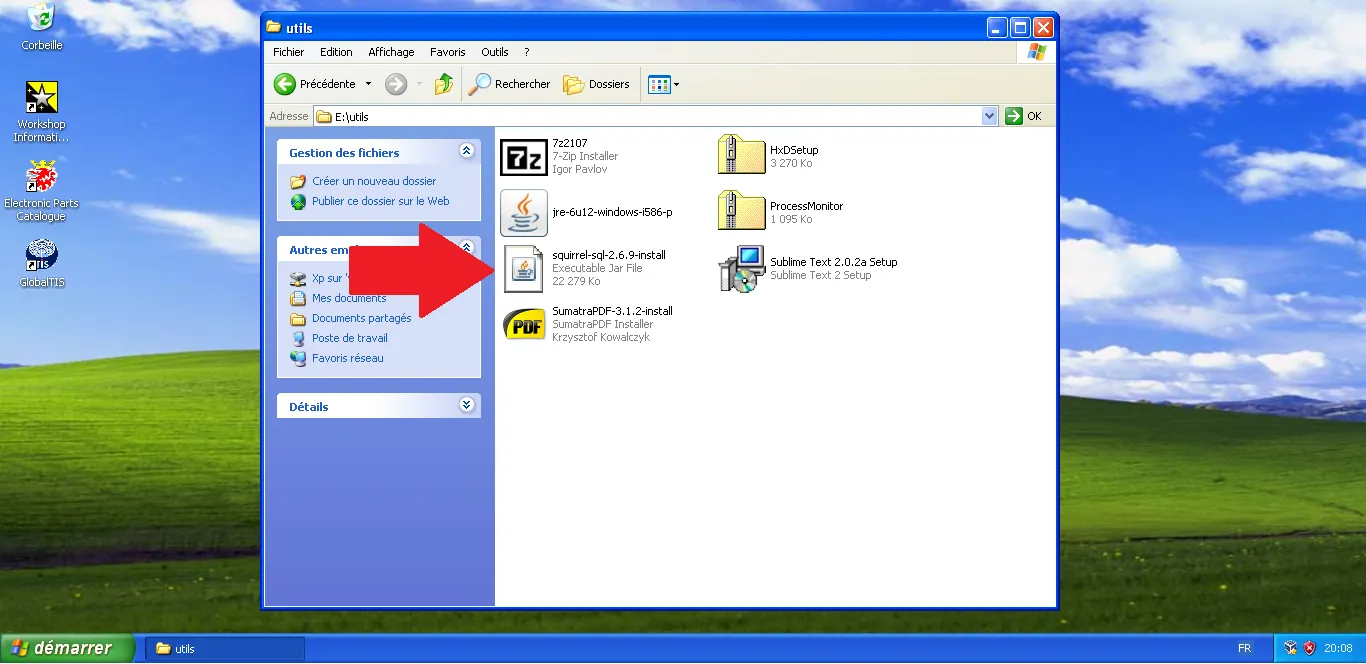
To talk to the GlobalTIS database, we need a specific tool: SQuirreL SQL Client. Access your shared folder and locate the SQuirreL SQL installer.
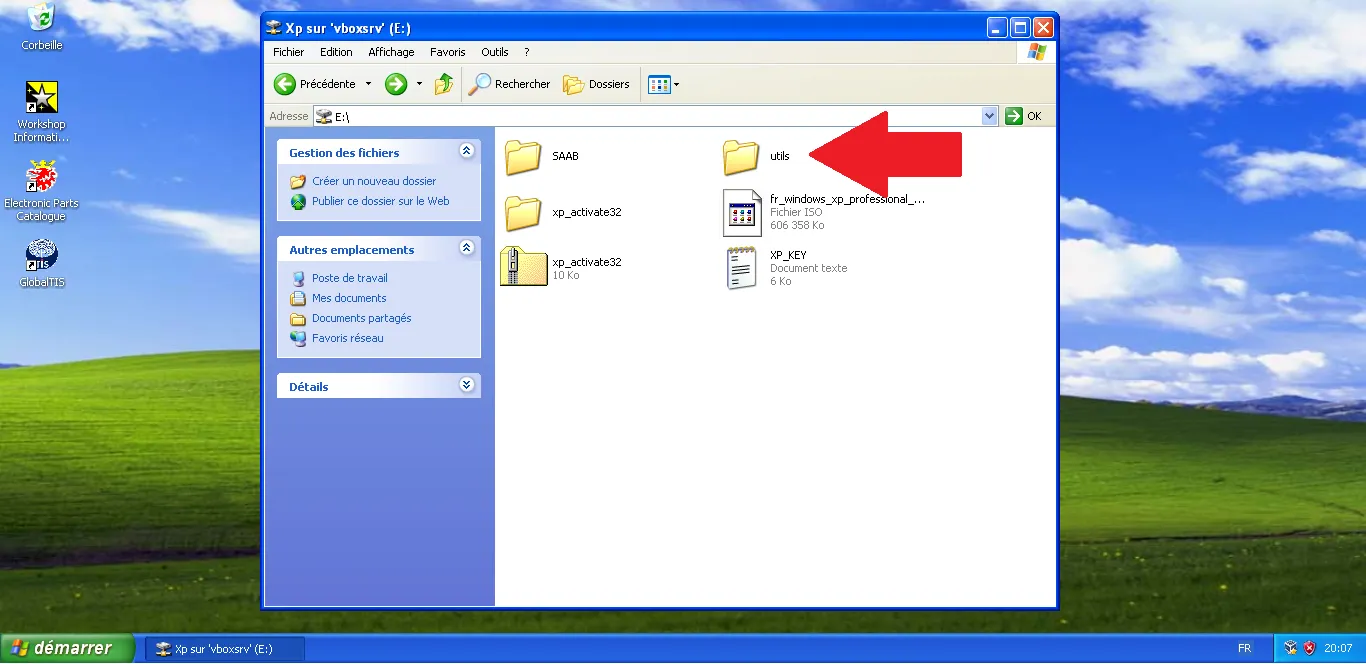
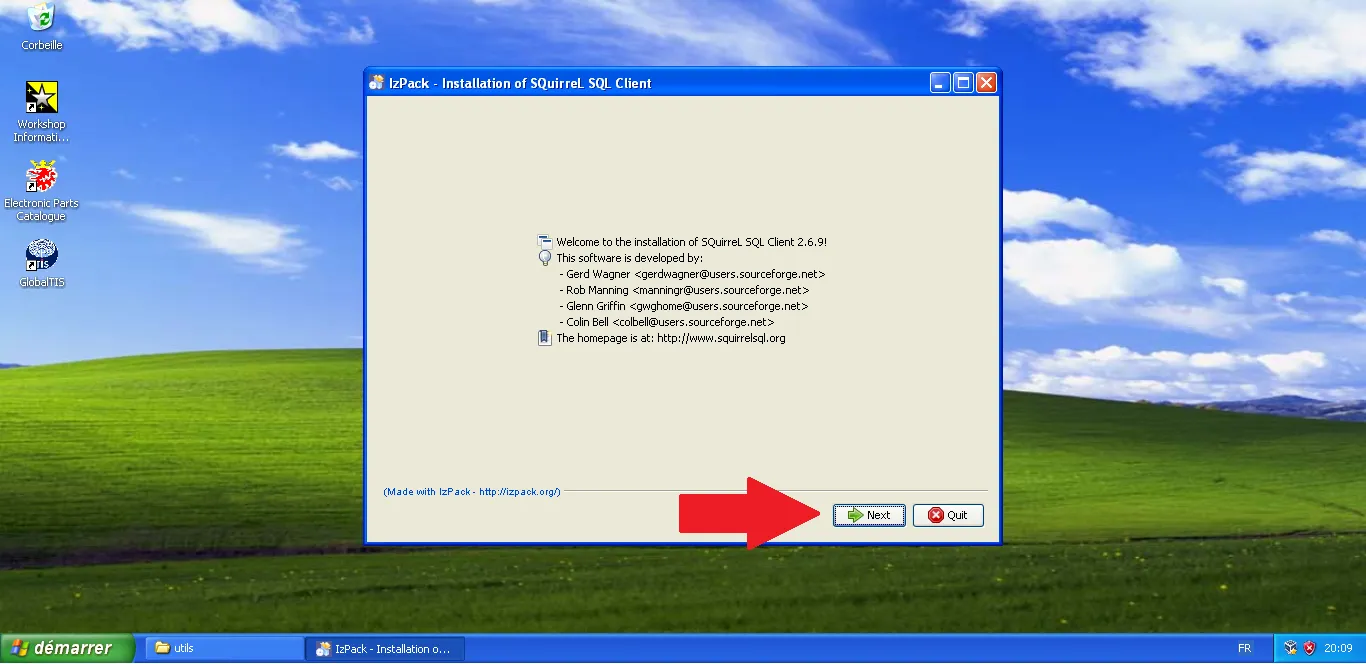
Run the installer and click Next on the welcome screen.
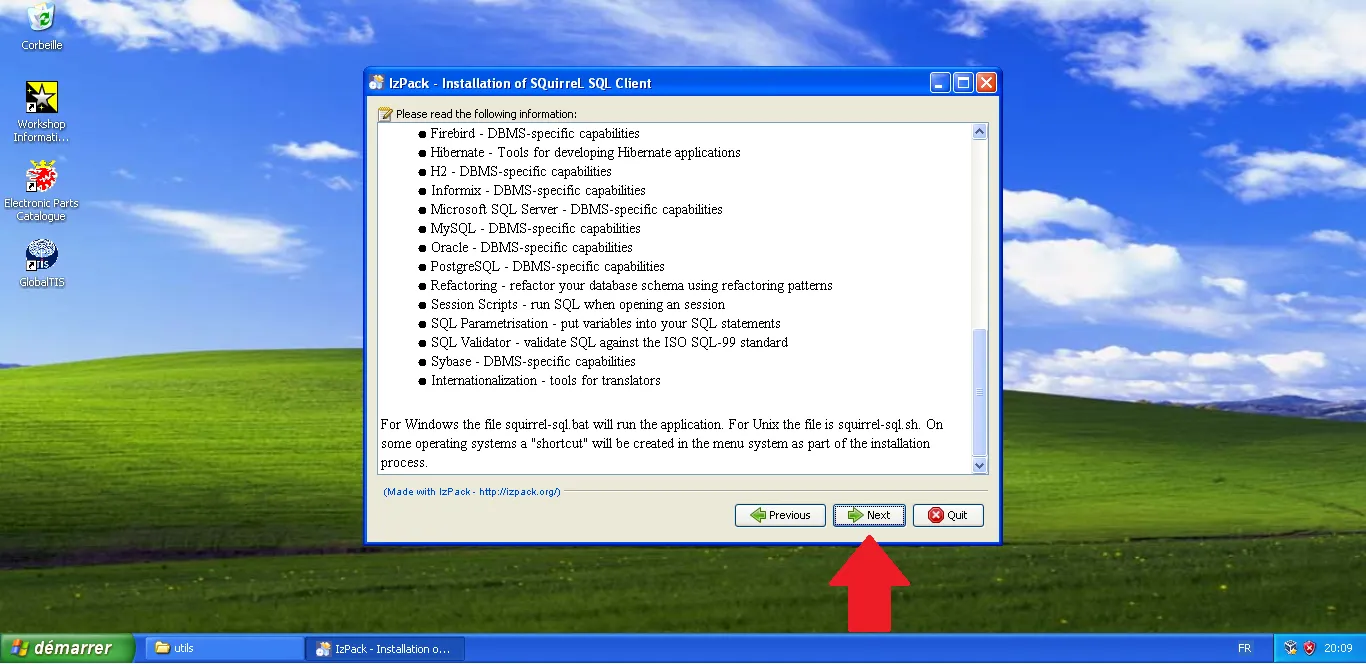
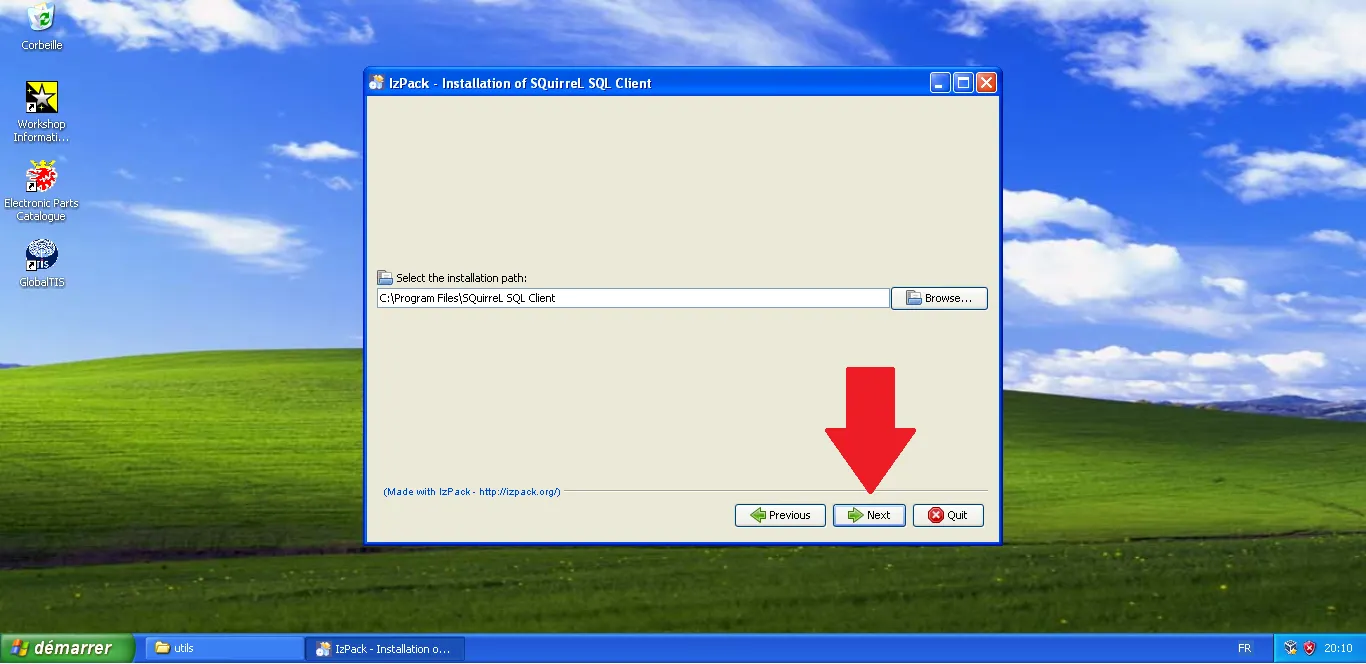
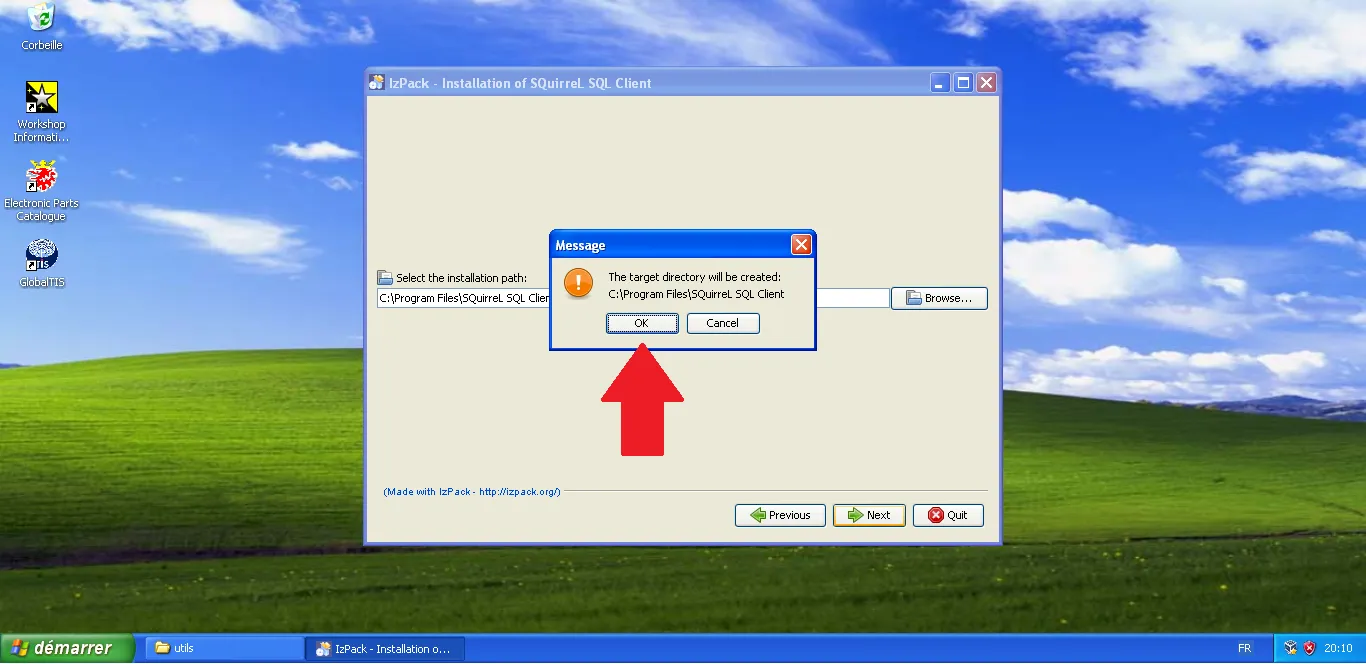
Keep the default installation path (C:\Program Files\SQuirreL SQL Client).
Confirm the creation of the directory.
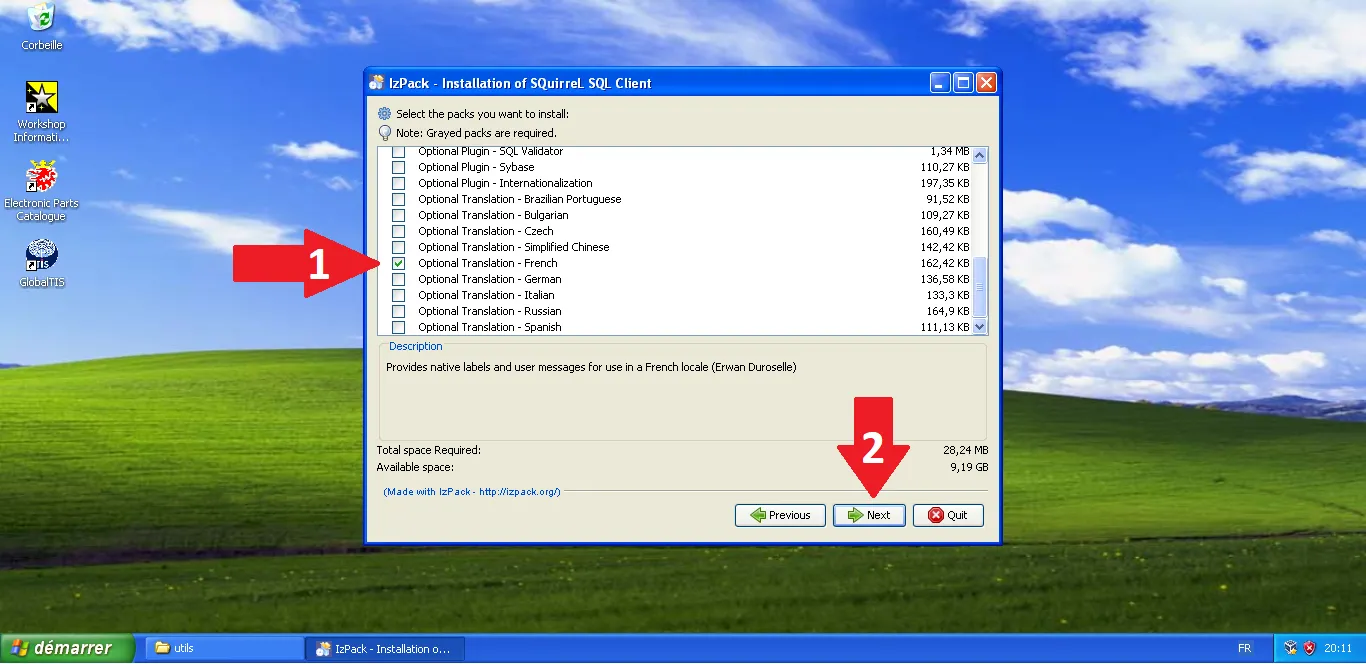
Optional: You can select your preferred translation (e.g., French) in the components list.
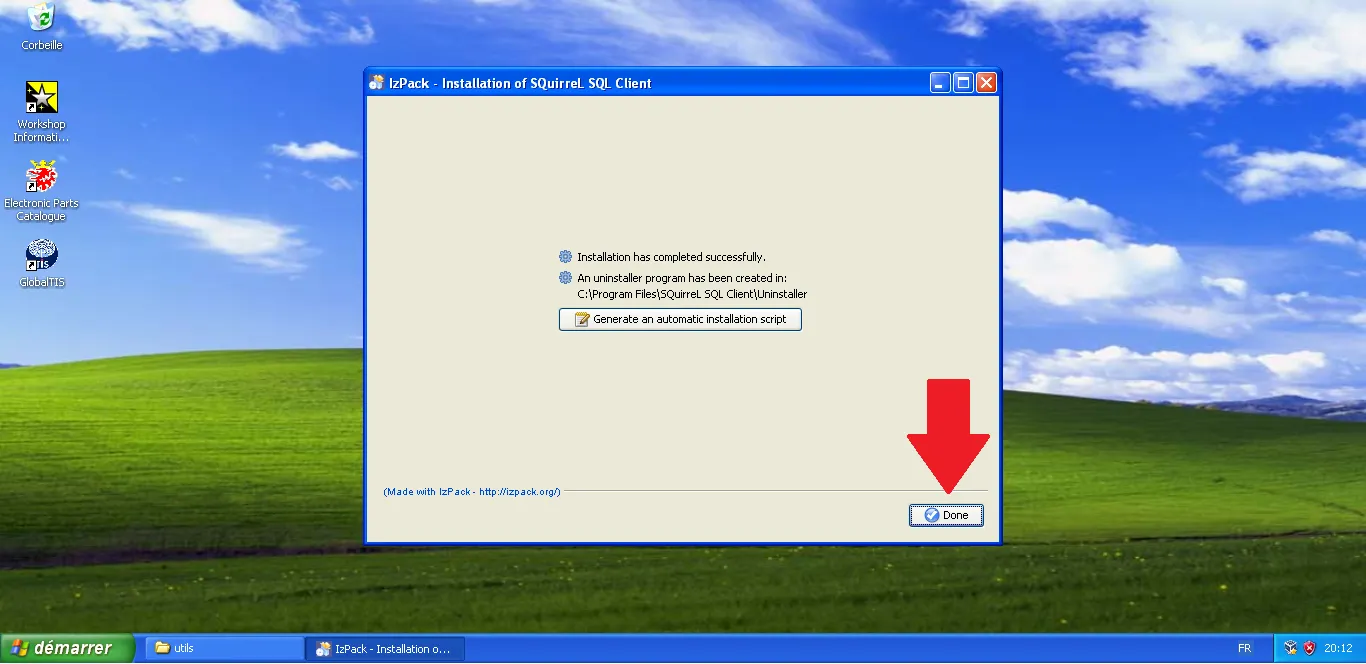
Complete the installation and close the wizard.
2. Configuring the Transbase Driver
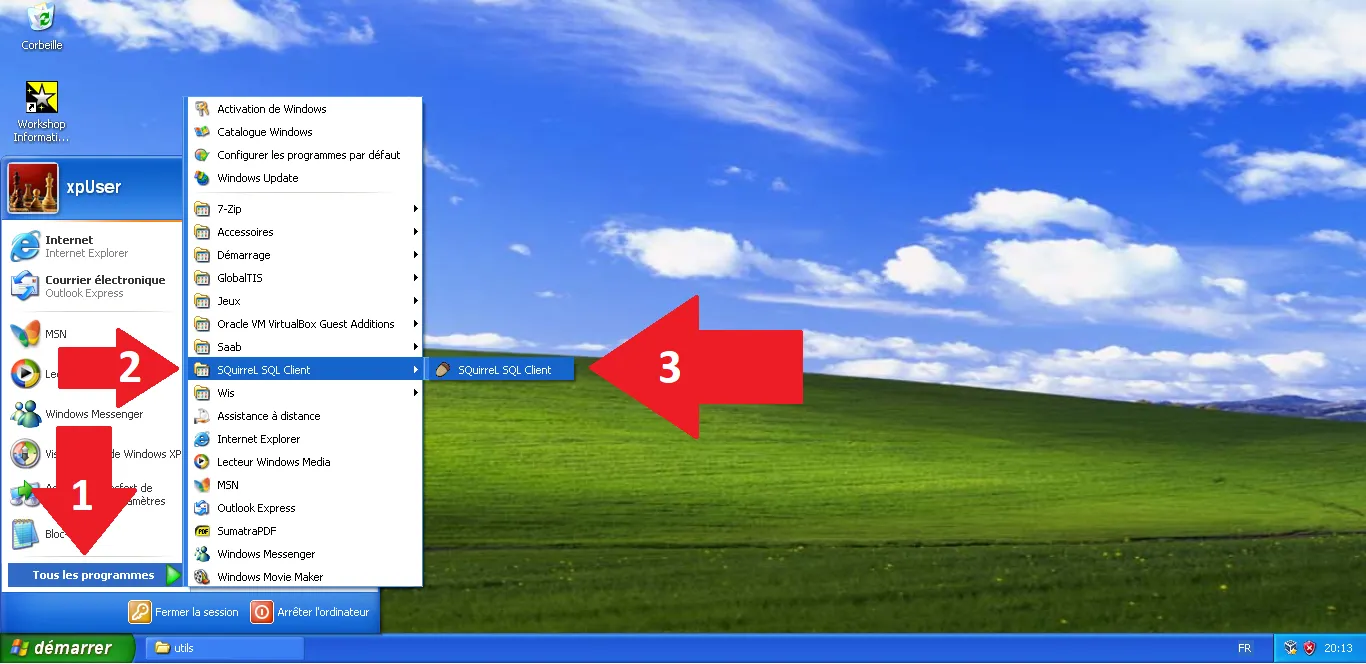
GlobalTIS uses a database called Transbase. SQuirreL needs a specific "driver" to understand how to speak to it. Launch SQuirreL from the Start menu.
In the Drivers tab, click the + button. Name it Transbase.
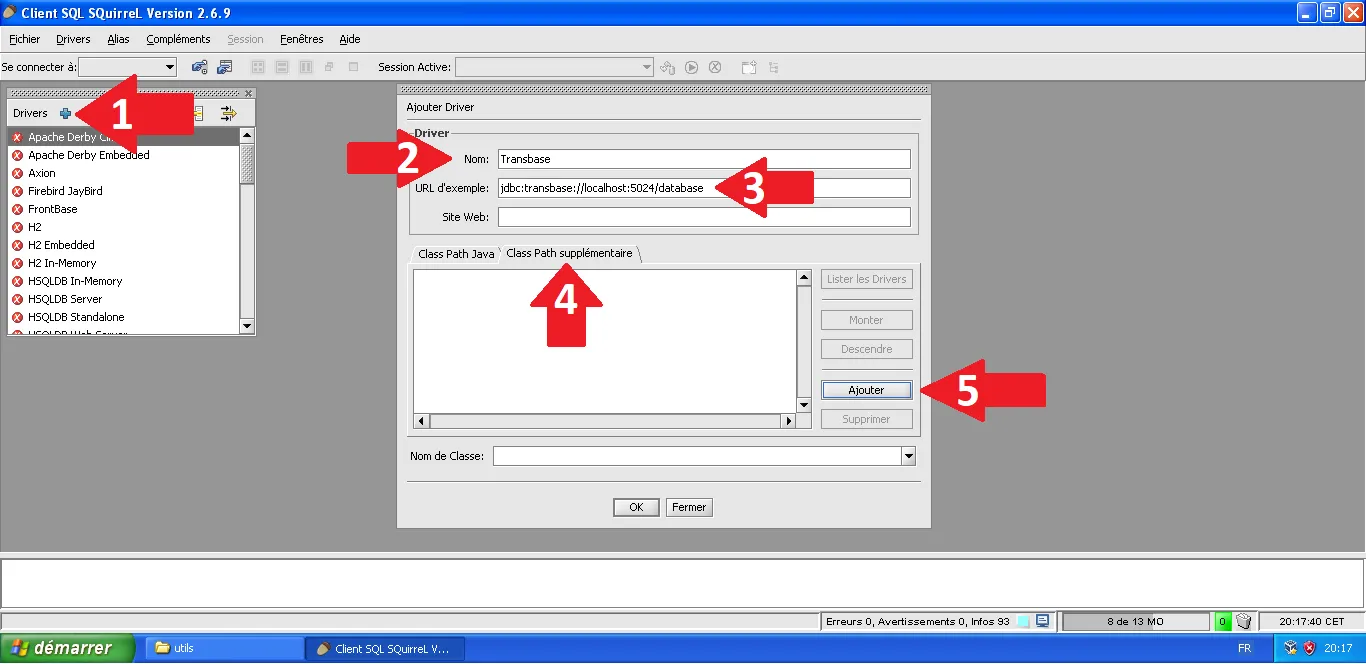
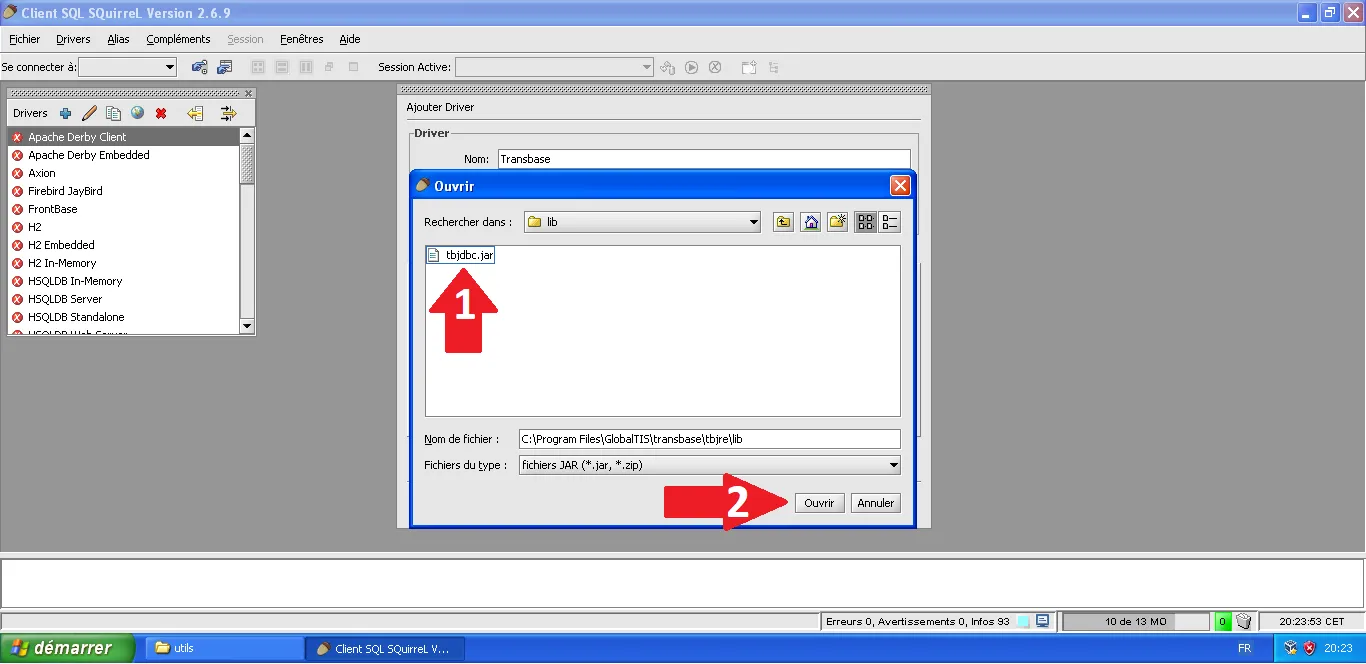
In the "Extra Class Path" tab, click Add and navigate to: C:\Program Files\GlobalTIS\transbase\tbjre\lib\tbjdbc.jar
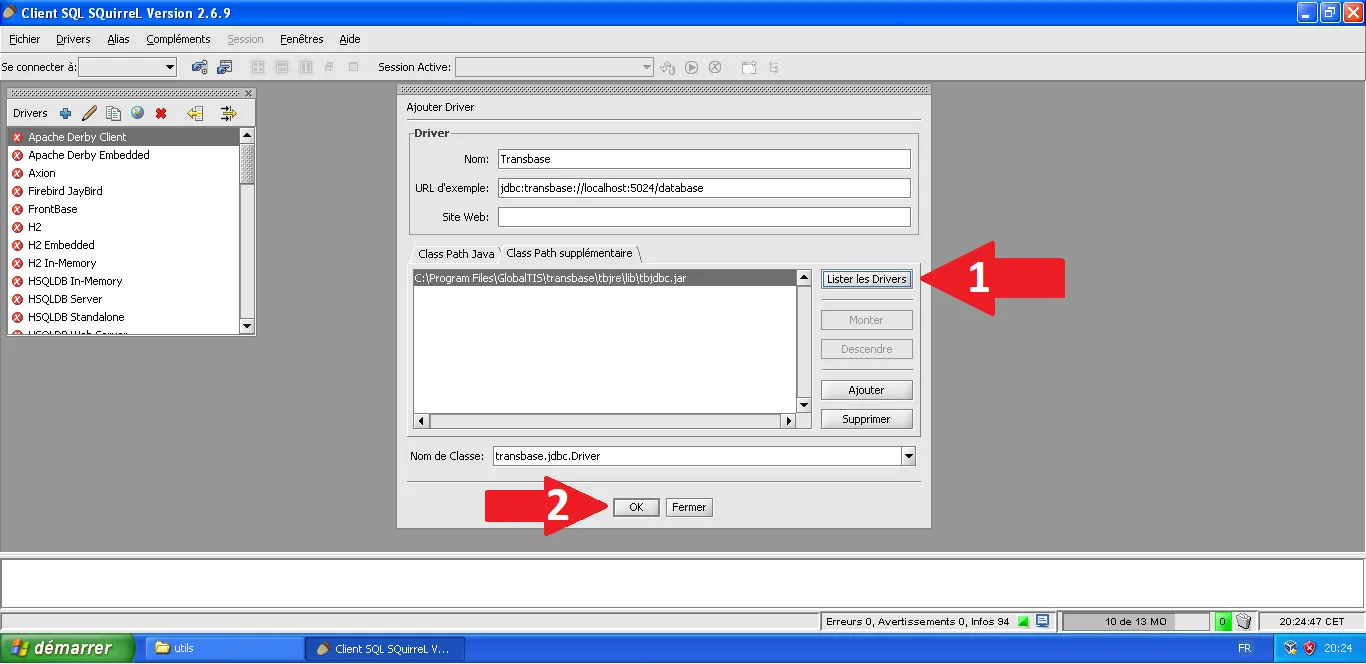
Click List Drivers, select the Transbase driver, and click OK.
3. Connecting to the Saab Database
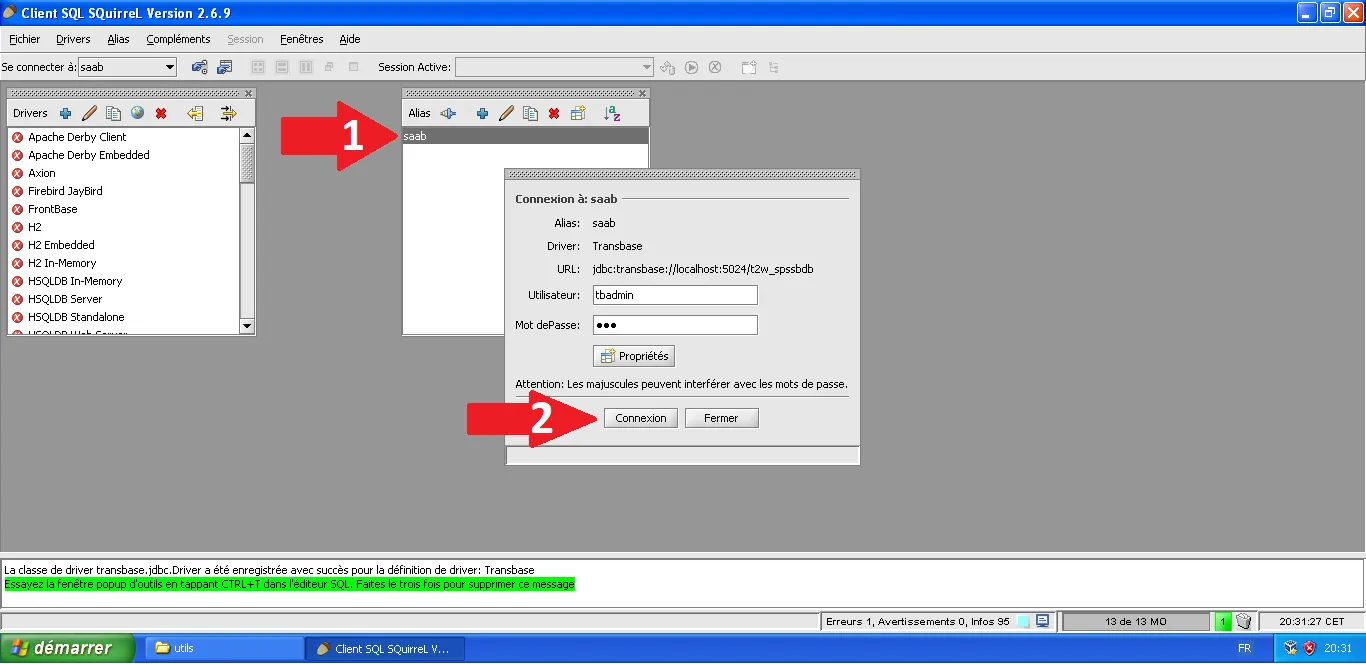
Now we create an "Alias" to connect to the actual data. Click the Aliases tab and then +.
- Name: saab
- Driver: Transbase
- URL:
jdbc:transbase://localhost:5024/t2w_spssbdb - User: tbadmin
- Password: dgs
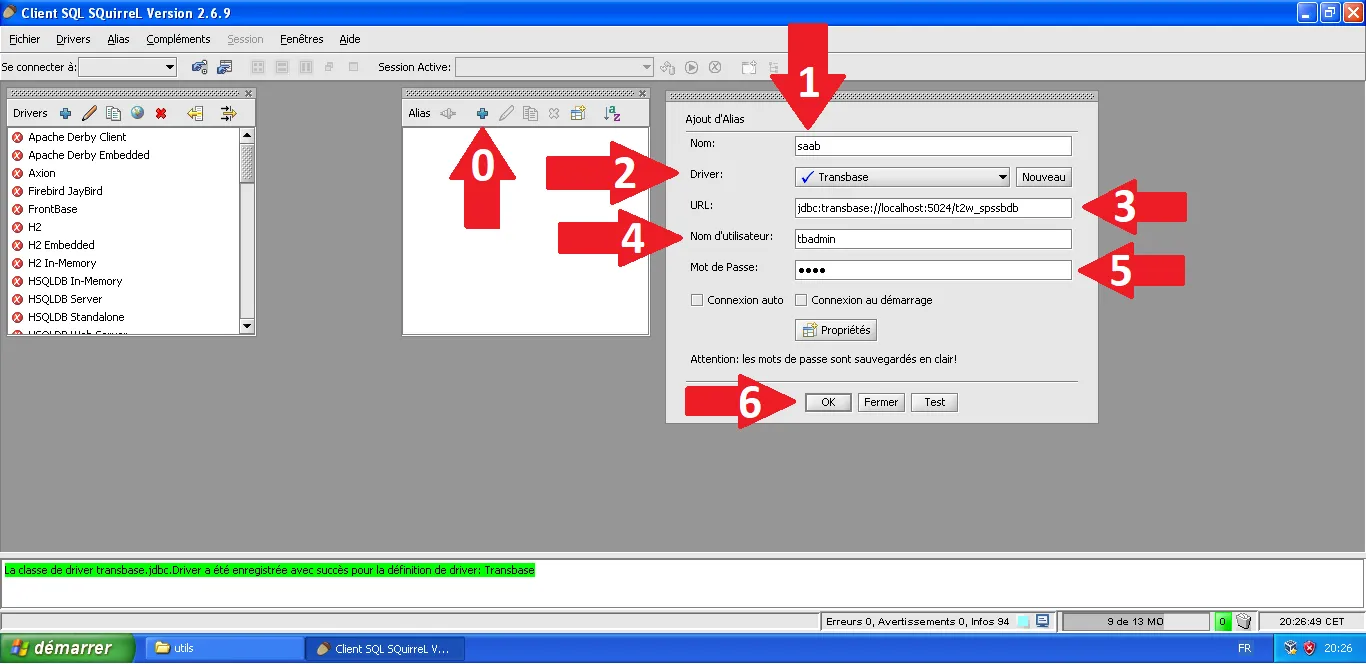
Select your new saab alias and click Connect.
4. The Fix: Editing SPS Settings
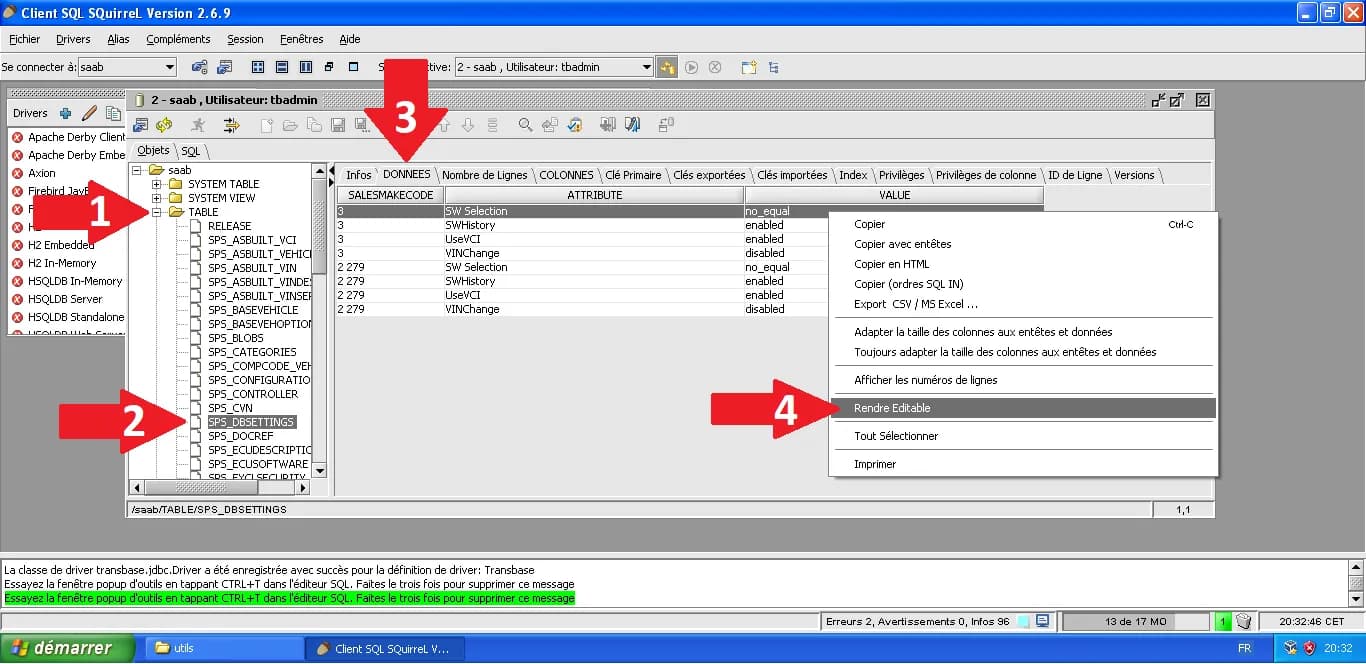
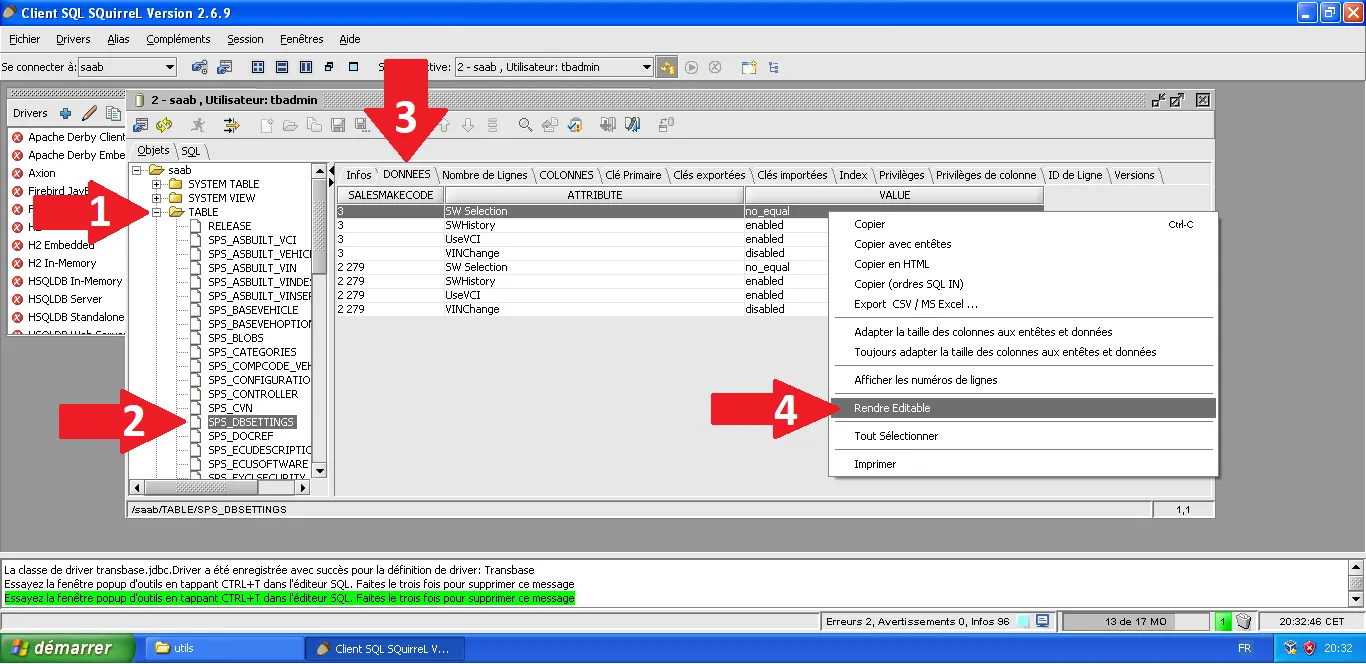
This is where the magic happens. We are going to find the table that controls SPS behavior. Expand the tree: TABLE > SPS_DBSETTINGS. Go to the DATA tab. Right-click and select Make Editable.
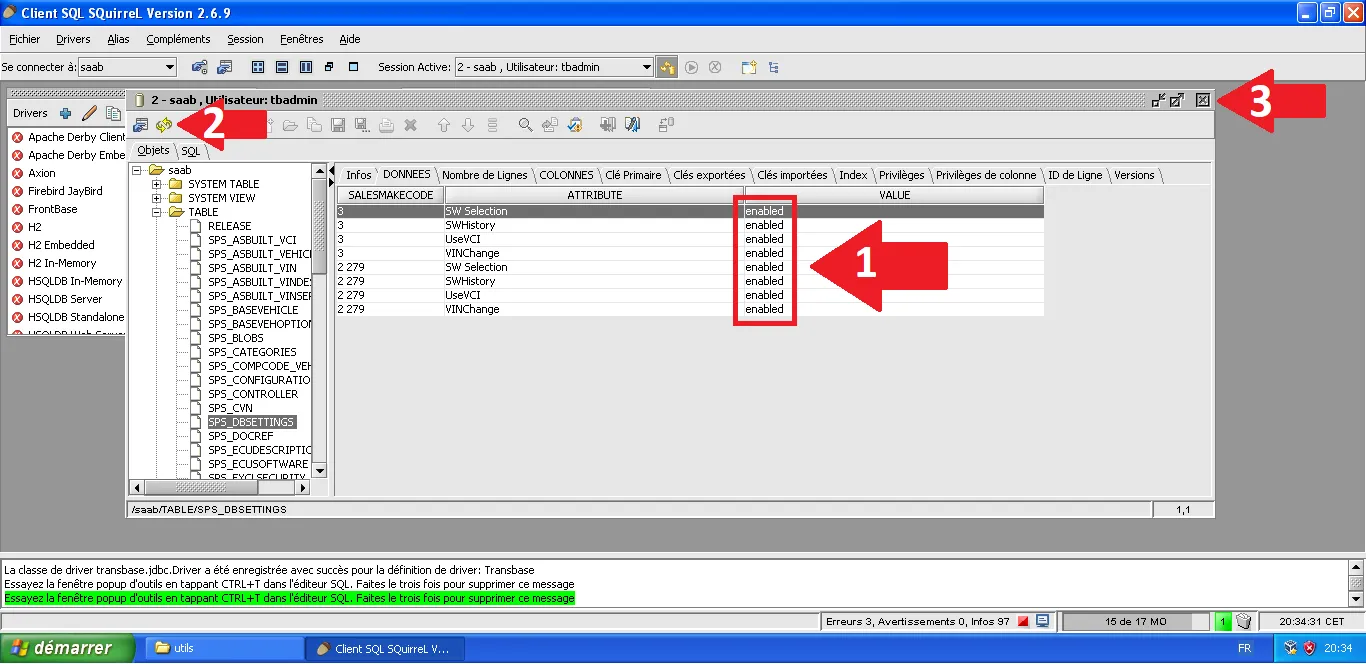
Locate the rows related to version checks or NIV validation. By changing the VALUE to enabled or disabled (depending on the specific lock), you can bypass the "software already installed" blocks.
5. Applying Changes
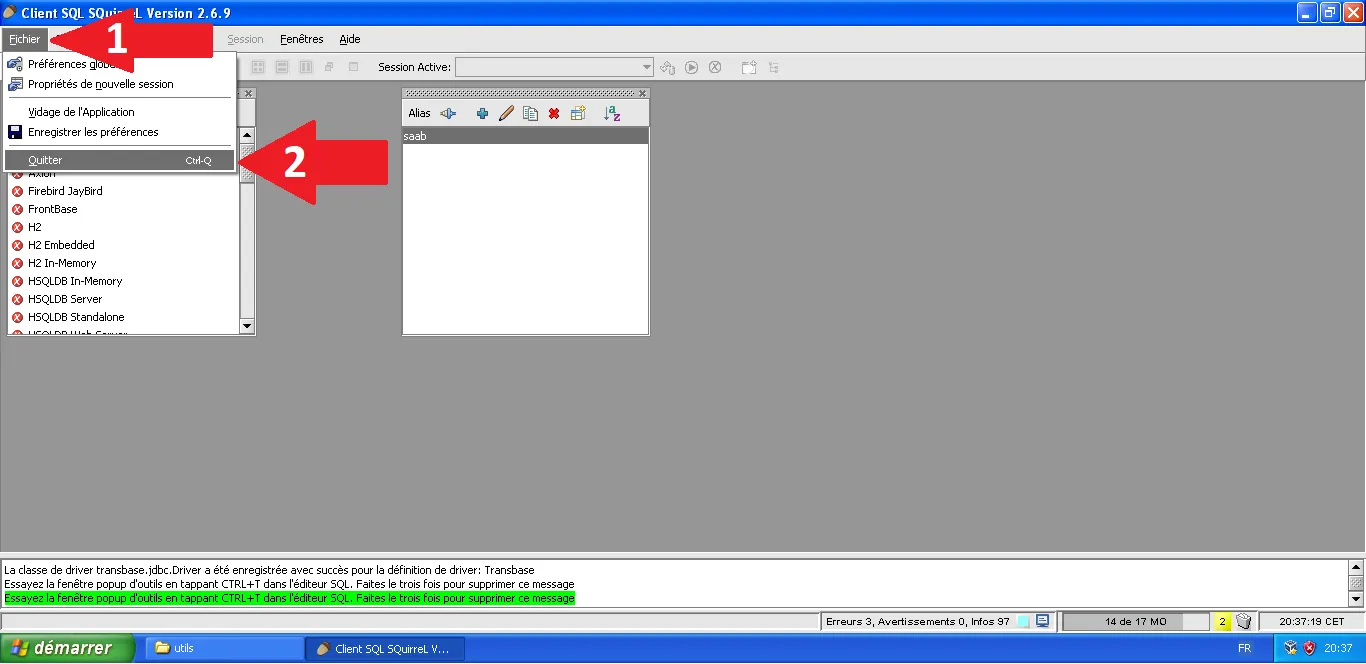
Once edited, close the session and quit SQuirreL.
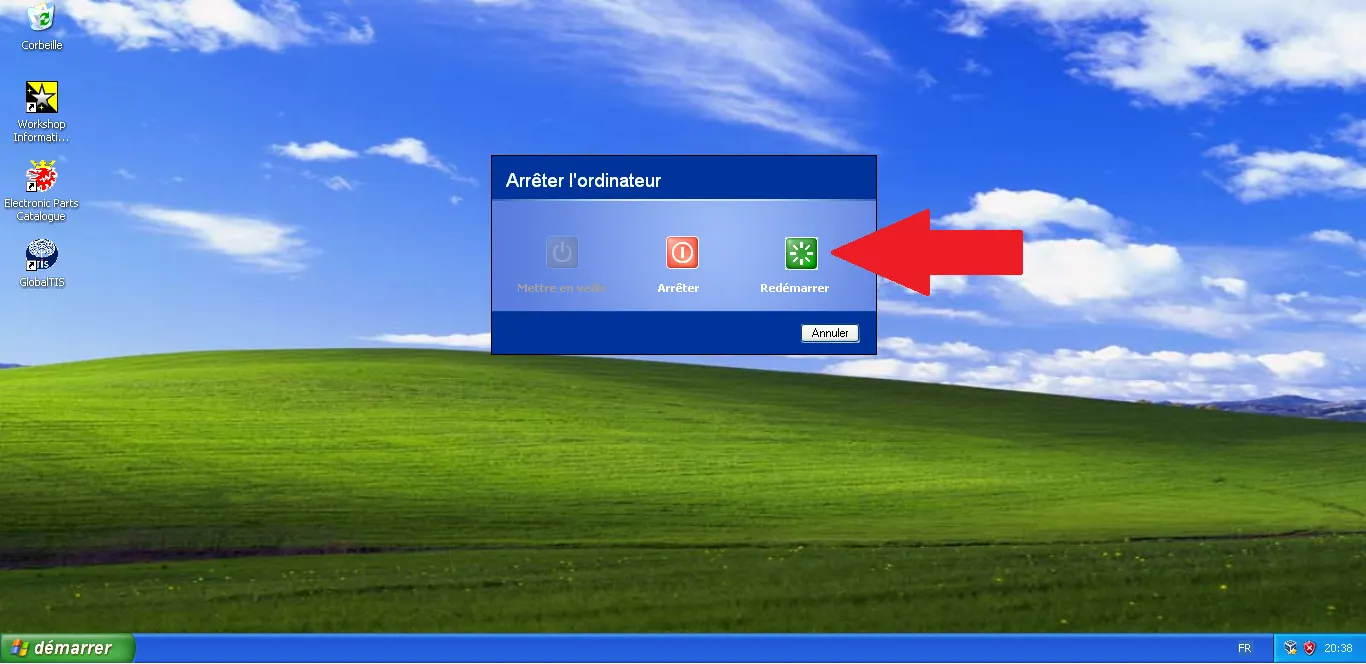
Important: Restart Windows XP to ensure the GlobalTIS server services reload the new database values.
Technical Note: GlobalTIS is the gold mine for original ECU calibrations (binaries). Understanding the database logic is the first step toward extracting these files for analysis in WinOLS or custom OBD writing via GMLAN.
Looking ahead:
It is thanks to the support of Premium members that I can afford to spend time exploring these topics. I will be sharing more on extracting, building, modifying, deconstructing, compiling, and writing modified maps (calibrations).
My medium-term goal is to grant public access to my tools so you can test them and provide the first feedback; in the meantime, more in-depth content on advanced DPS usage is planned.
Stay tuned.
Technical validation & Sources:
- Tool: SQuirreL SQL Client 2.6.9 (compatible JRE 6).
- Driver: Transbase JDBC (provided within GlobalTIS install).
- Table:
SPS_DBSETTINGSis the core configuration for programming logic. - Reference: Trionic Tuning