
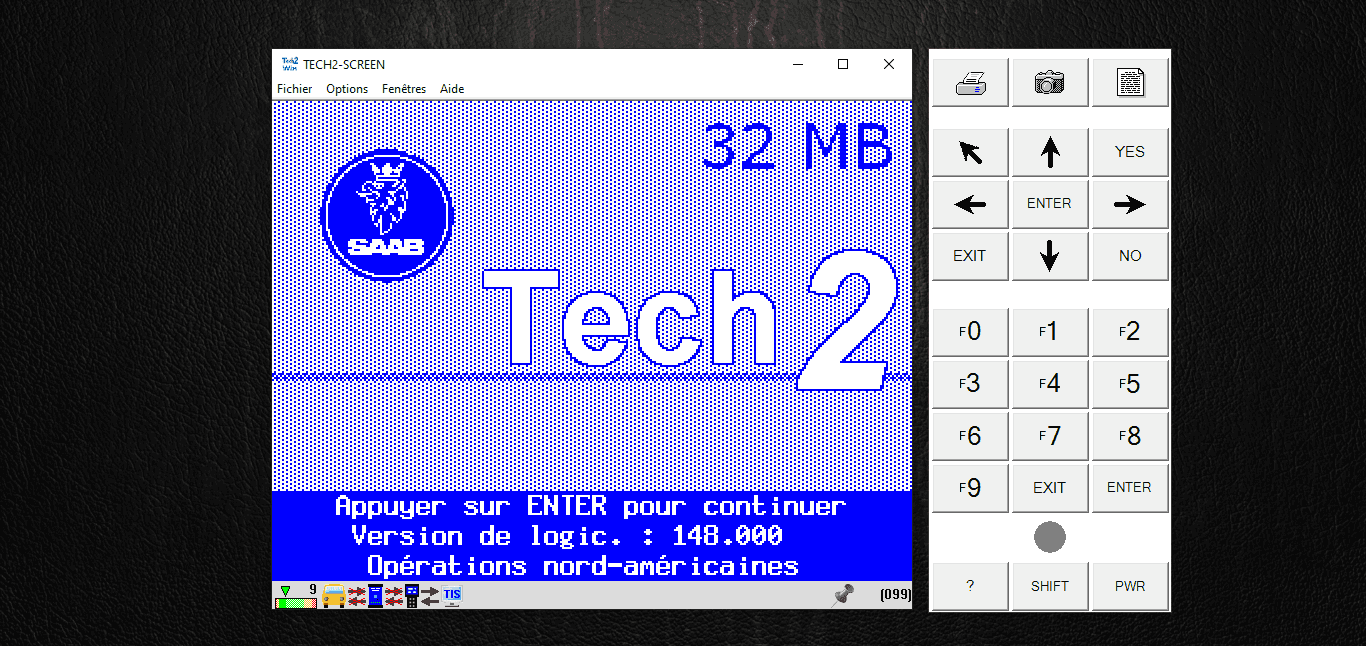
Tech2win Saab
Download Resource
Direct access to associated archives and software.
Technical Procedure
Tech2Win Guide
Tech2Win is the emulator that transforms your PC into a full Tech2 diagnostic tool. When used with a compatible VCI interface (such as MDI or adapters supporting the ISO22900 standard), it provides Saab module diagnostic capabilities without the bulk of the original hardware.
This guide focuses on installing the I-bus fix, essential for Saab 9-3 NG (2003+) and 9-5 (2006+) equipped with the green wire on pin 1 of the OBD2 port (GMLAN A). On earlier architectures using the KWP protocol, functionality is not guaranteed without hardware modifications to the interface.
GM for Tech2Win has, to my knowledge, never offered an official version for Saab. Communication with vehicle networks here relies on modified binaries (modded bins), which requires using a specific version of the emulator. These operations involve low-level system layers and are performed under your sole responsibility.
In practice, usage is reliable for reading full DTC codes (e.g., P0607 00, where the last two digits are vital for WIS lookups). However, when it comes to programming, nothing is guaranteed: Tech2Win remains a finicky piece of software subject to random crashes that often require frequent restarts.
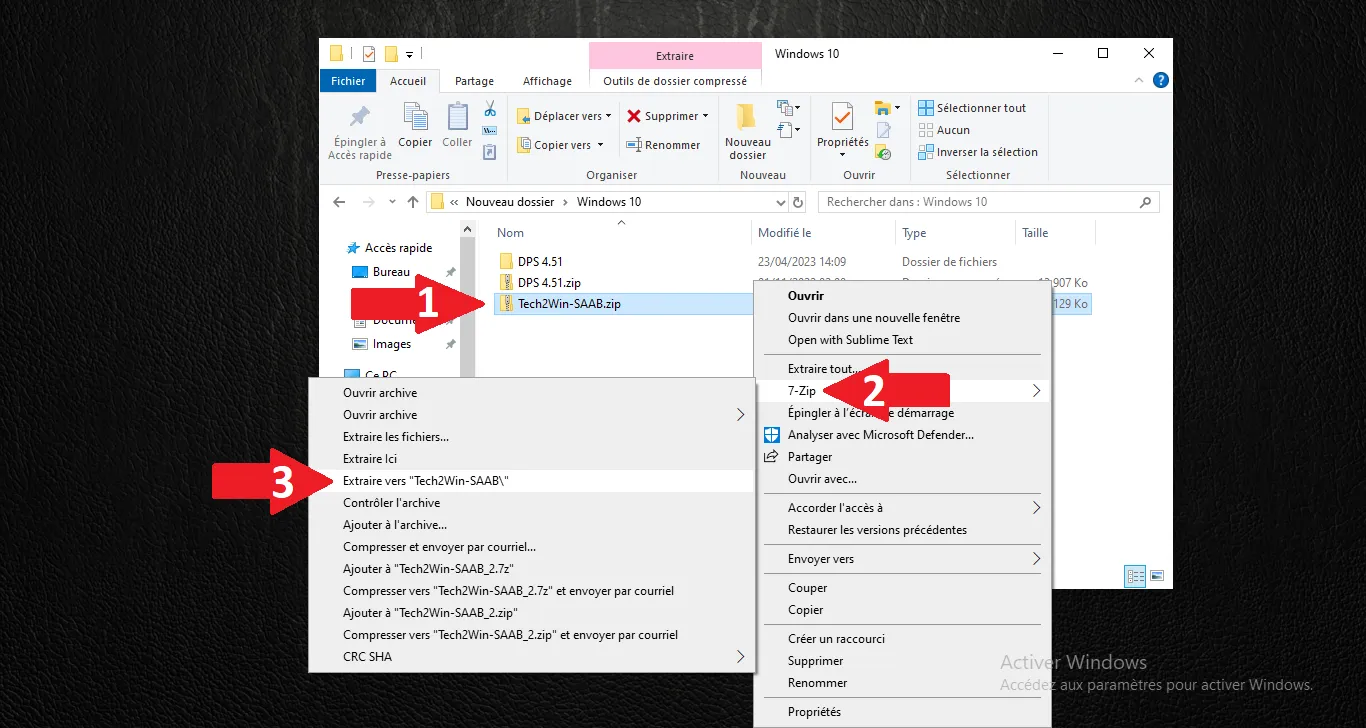
Extract archive
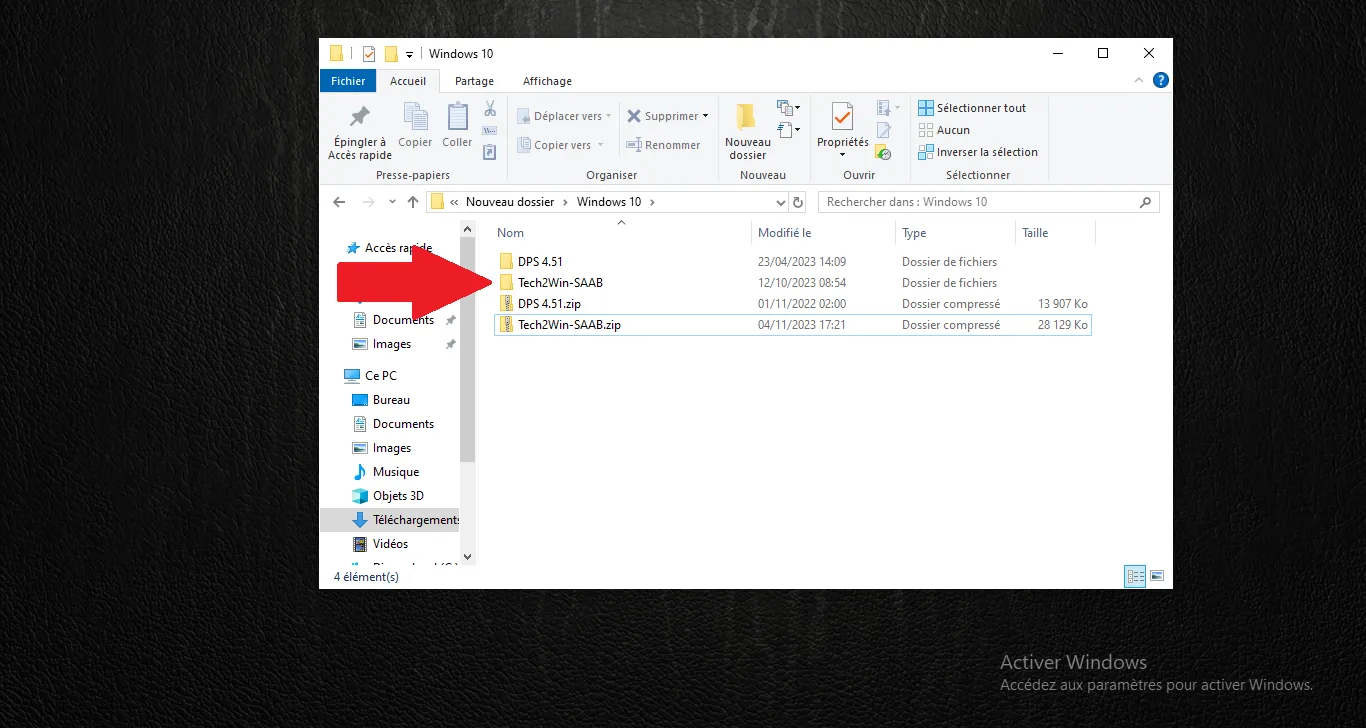
Open directory
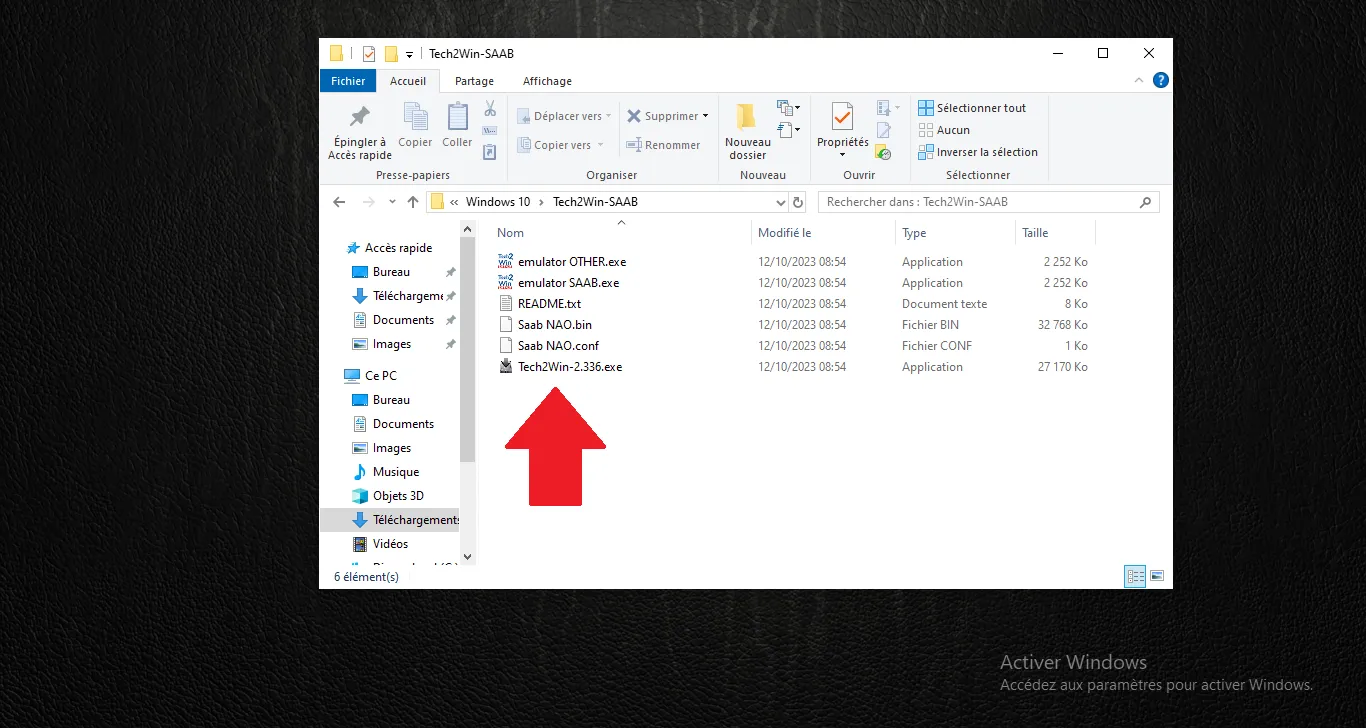
Run setup
Install wizard
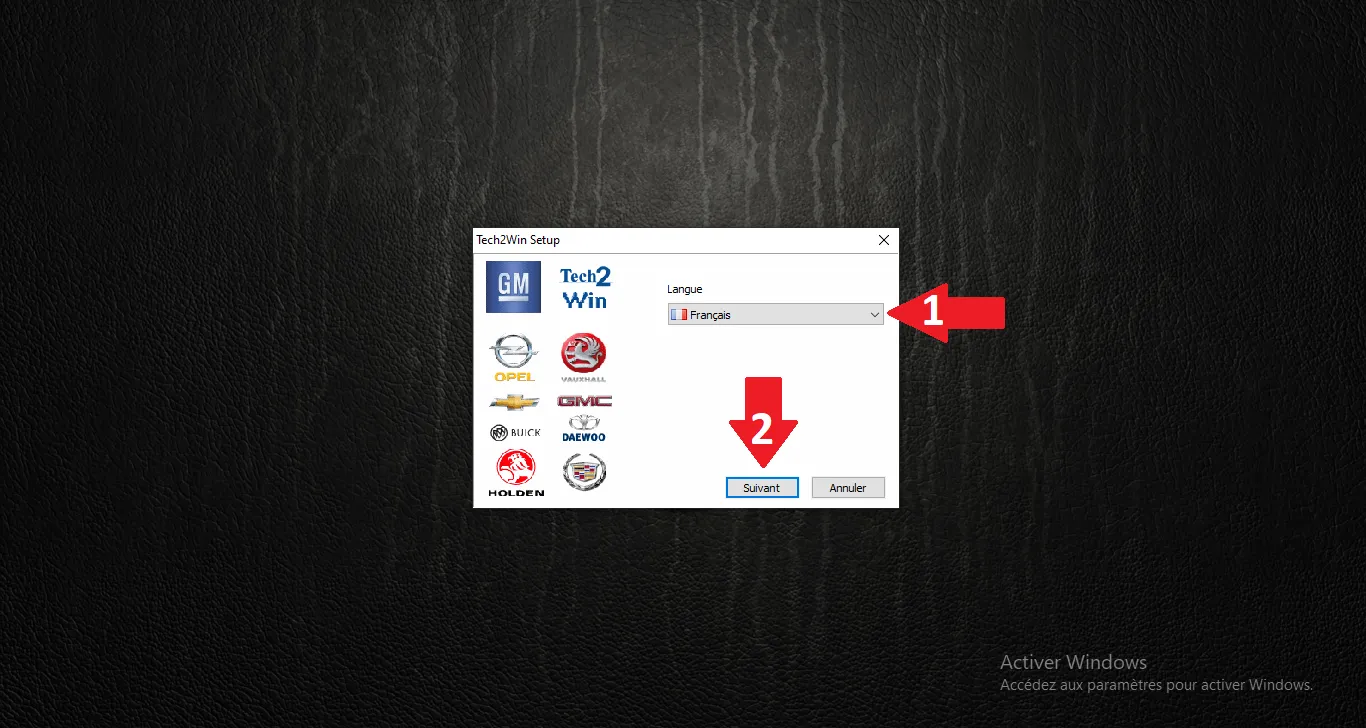
Continue setup
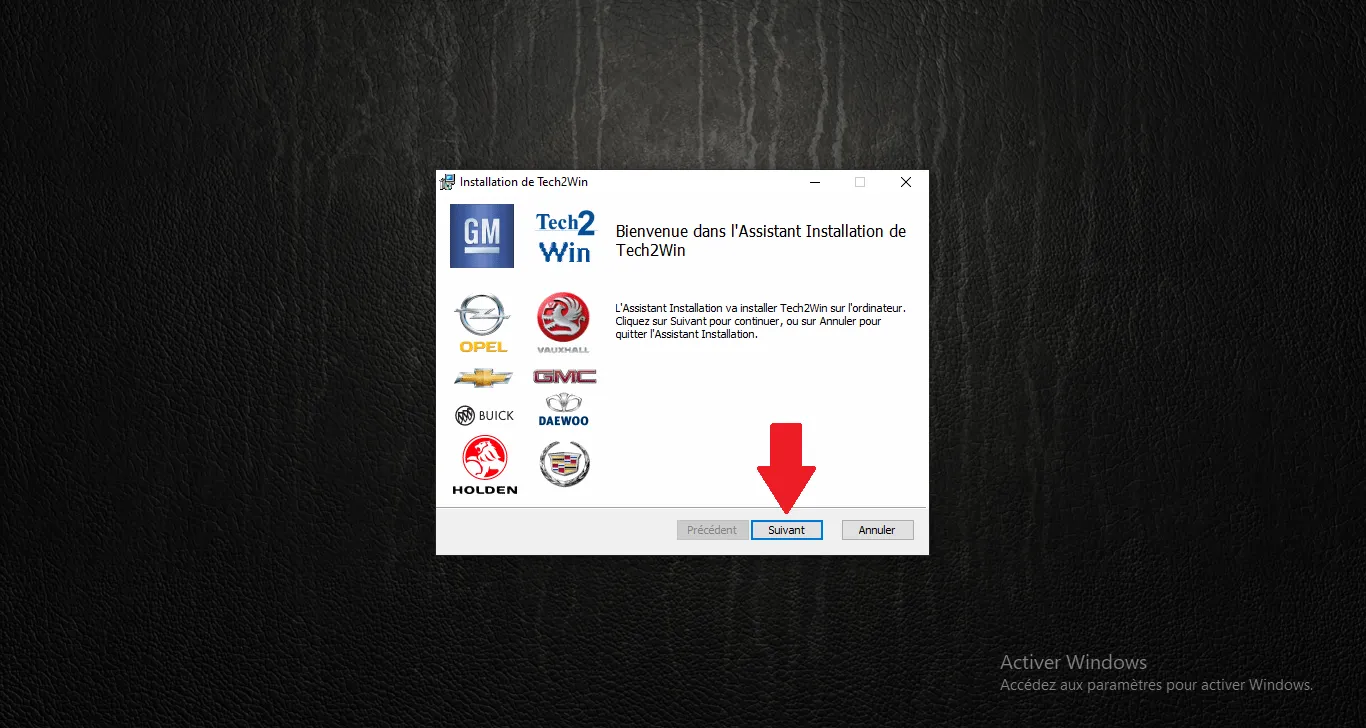
License agreement
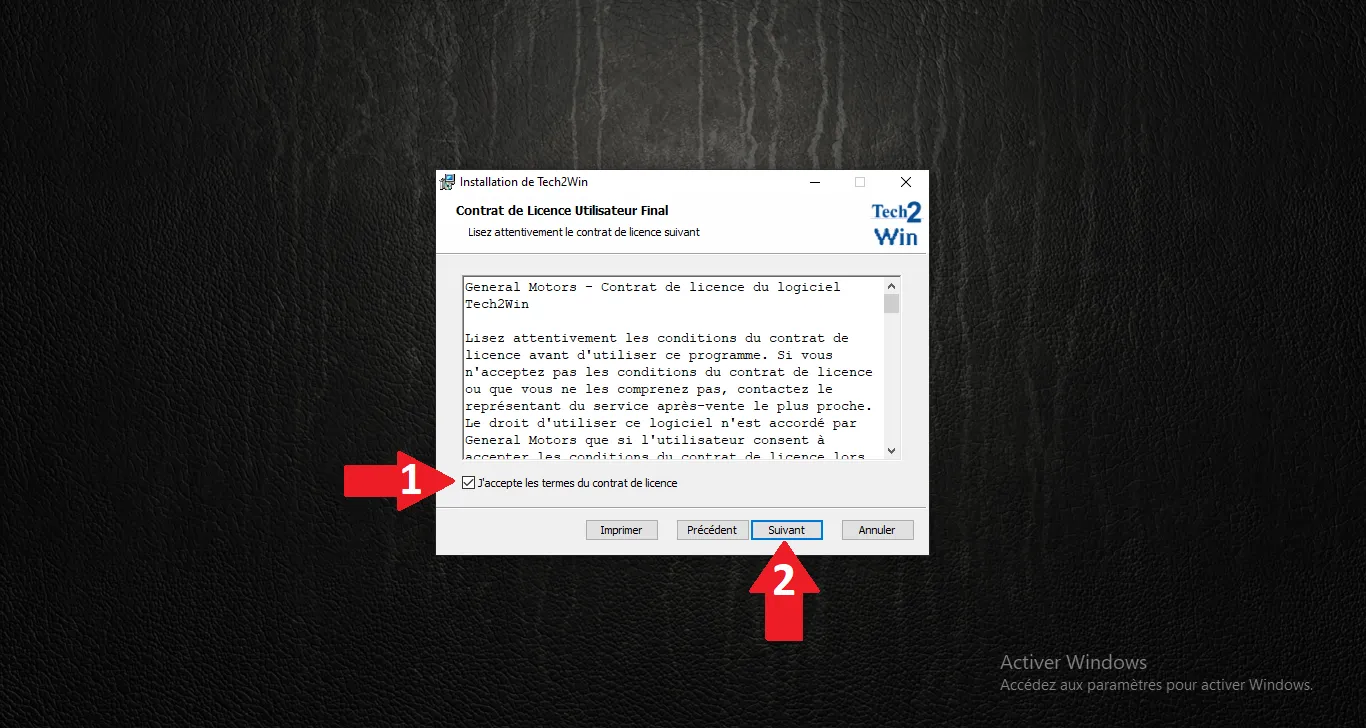
Default directory
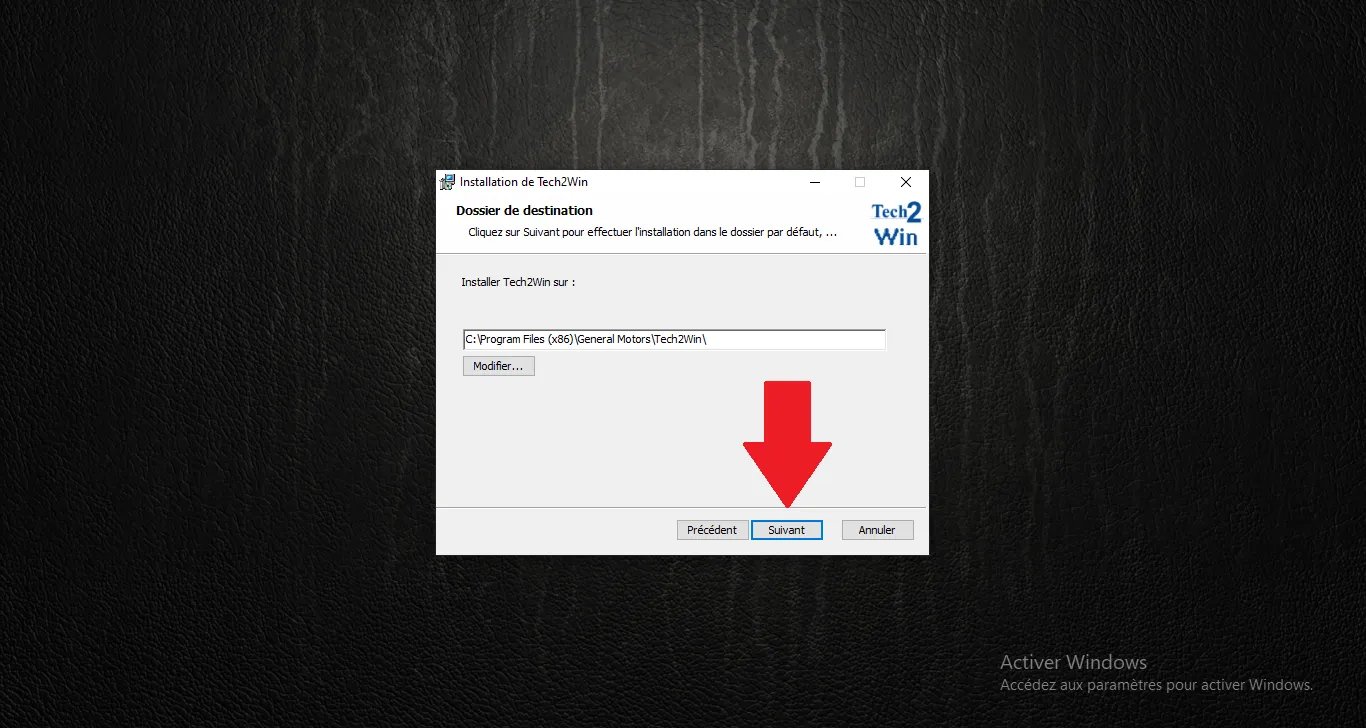
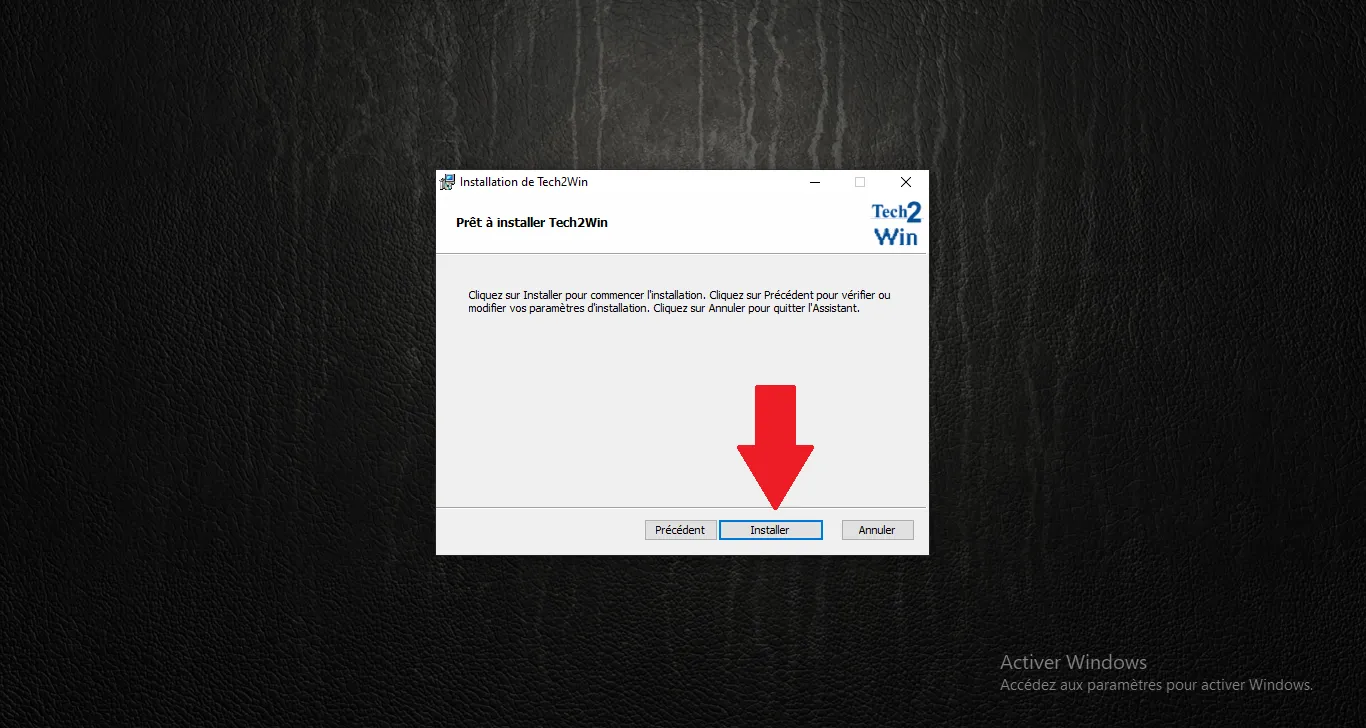
Confirm install
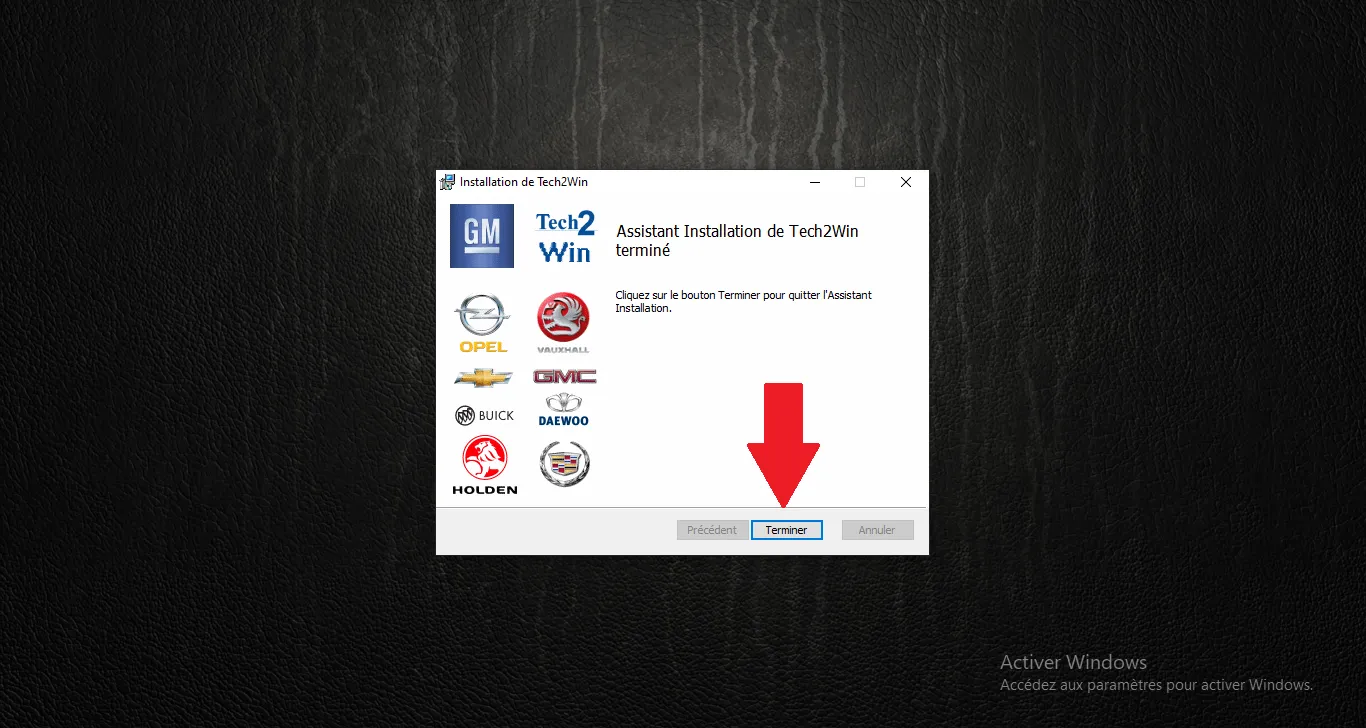
Setup complete
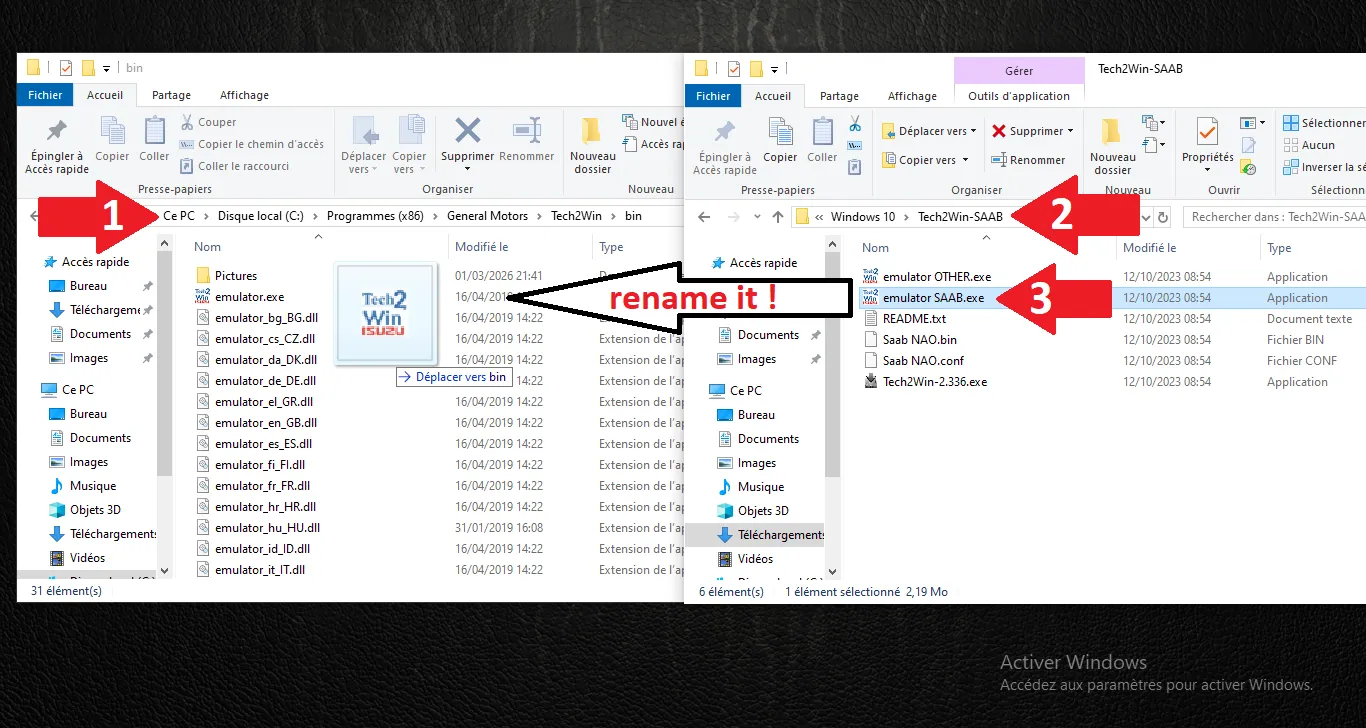
Emulator patch
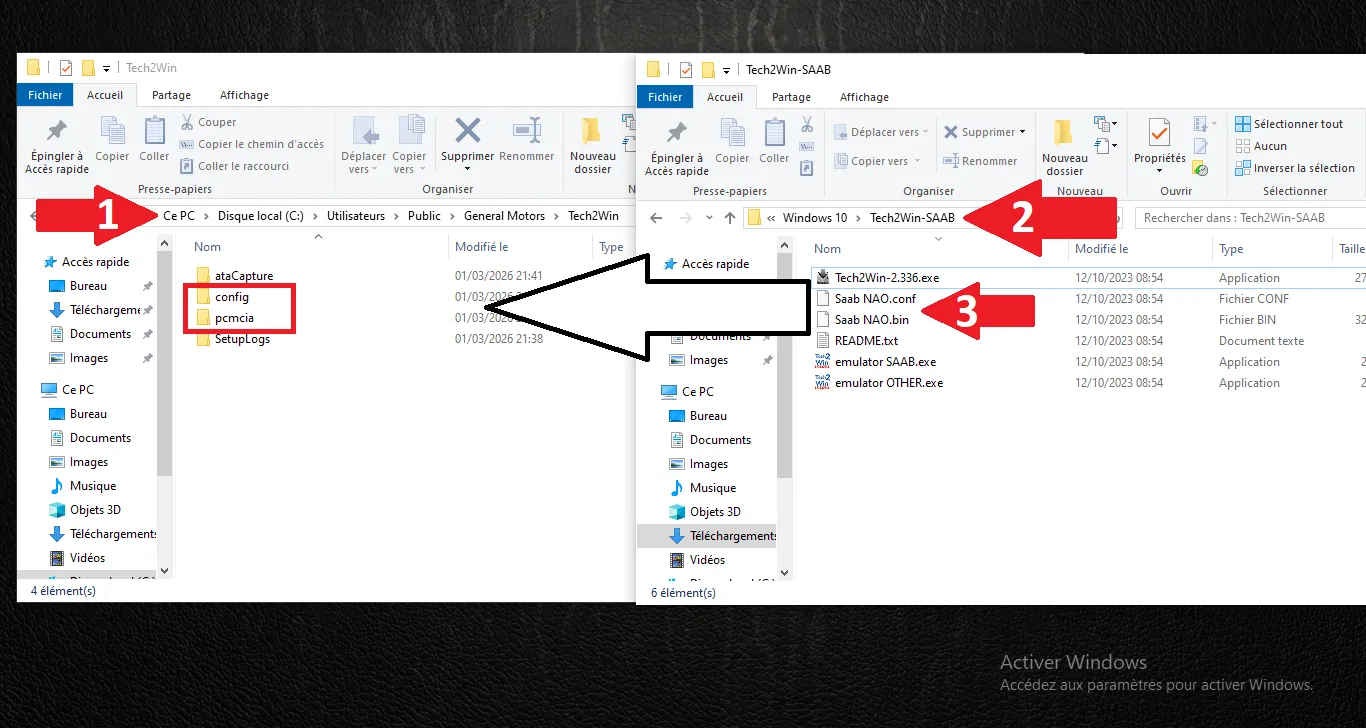
Transfer virtual PCMCIA
Tech2Win configurator
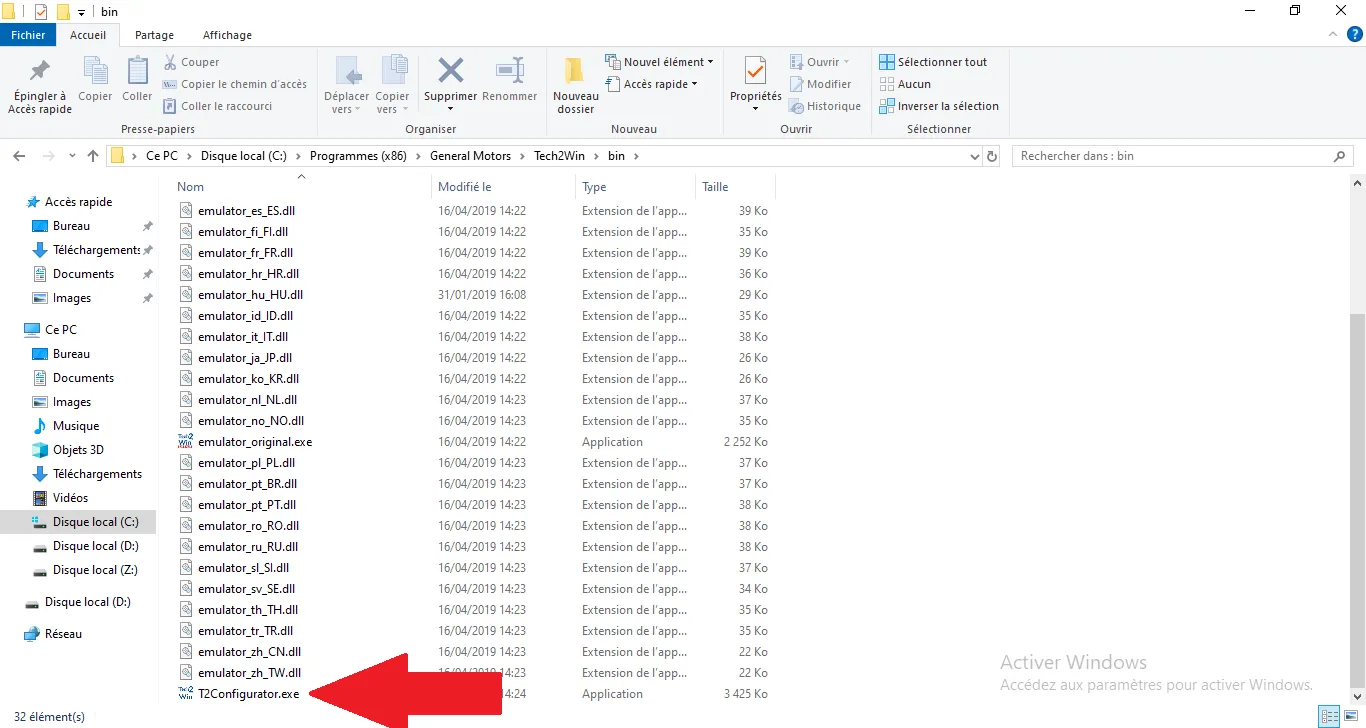
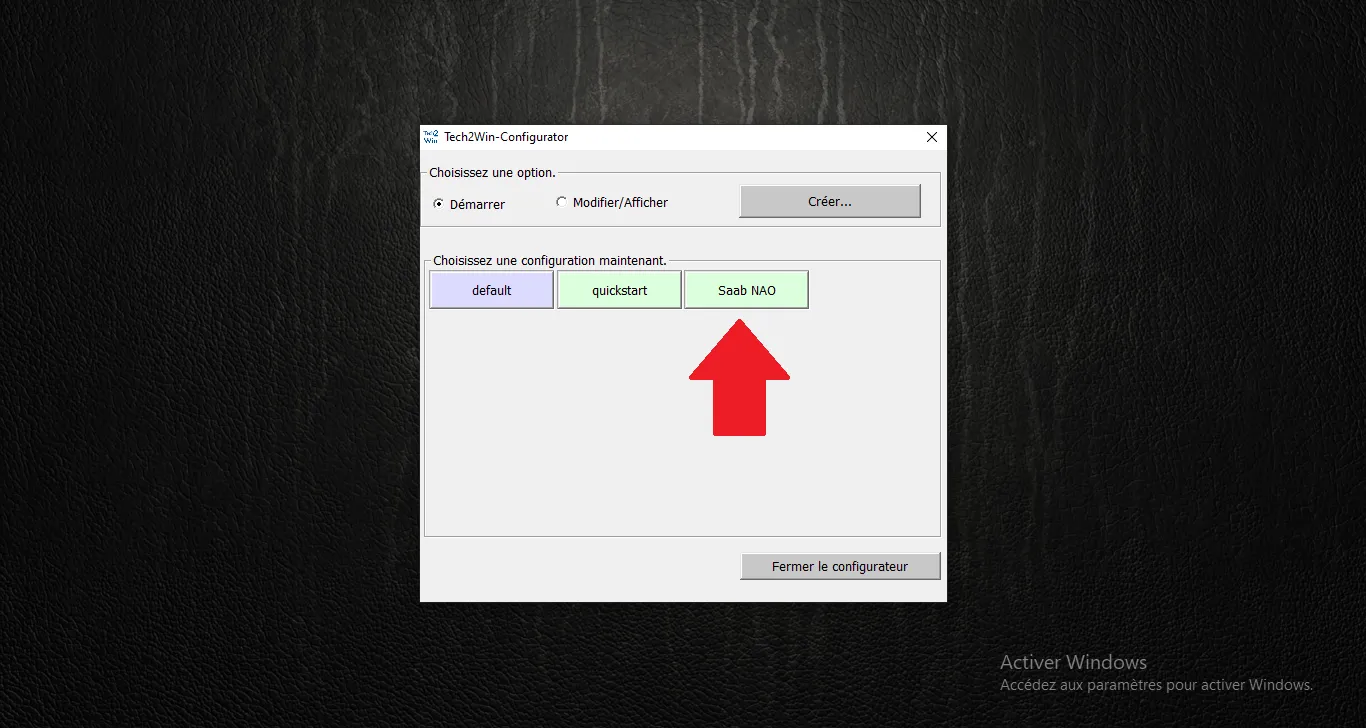
Start SAAB NAO
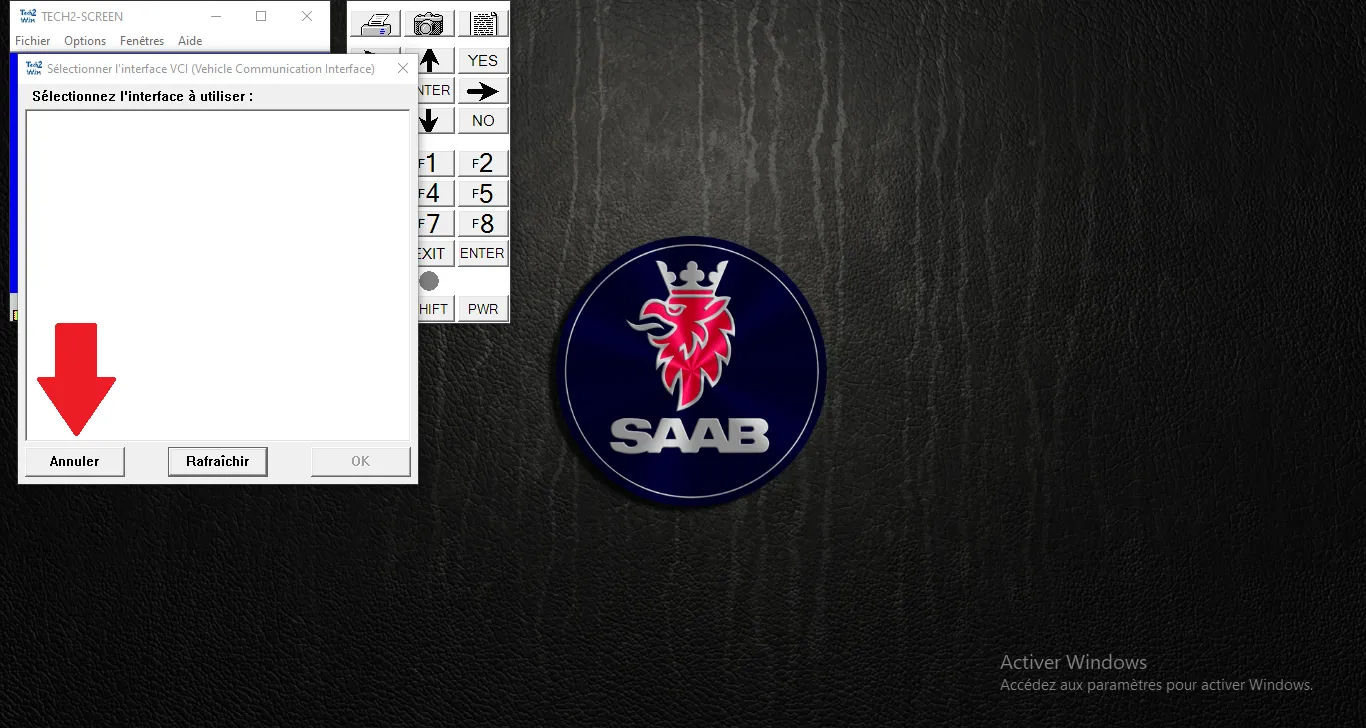
VCI selection
Tech2 menu validation
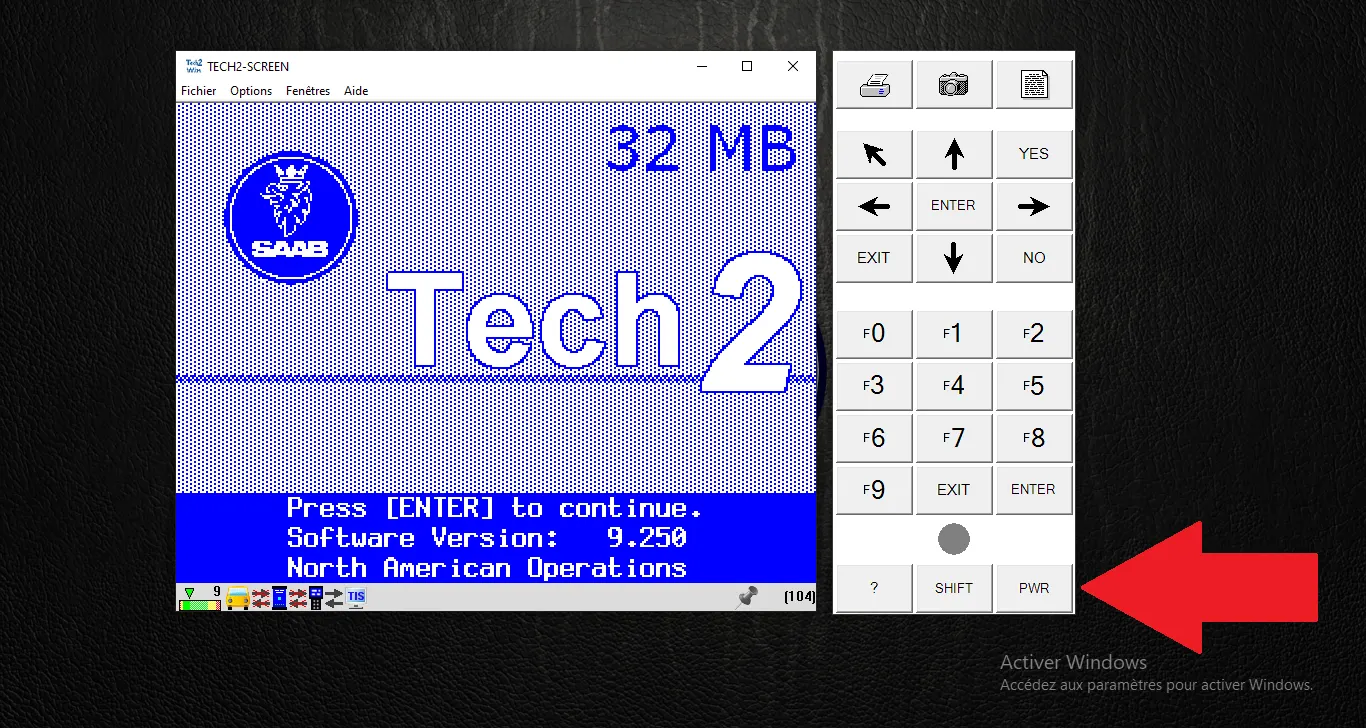
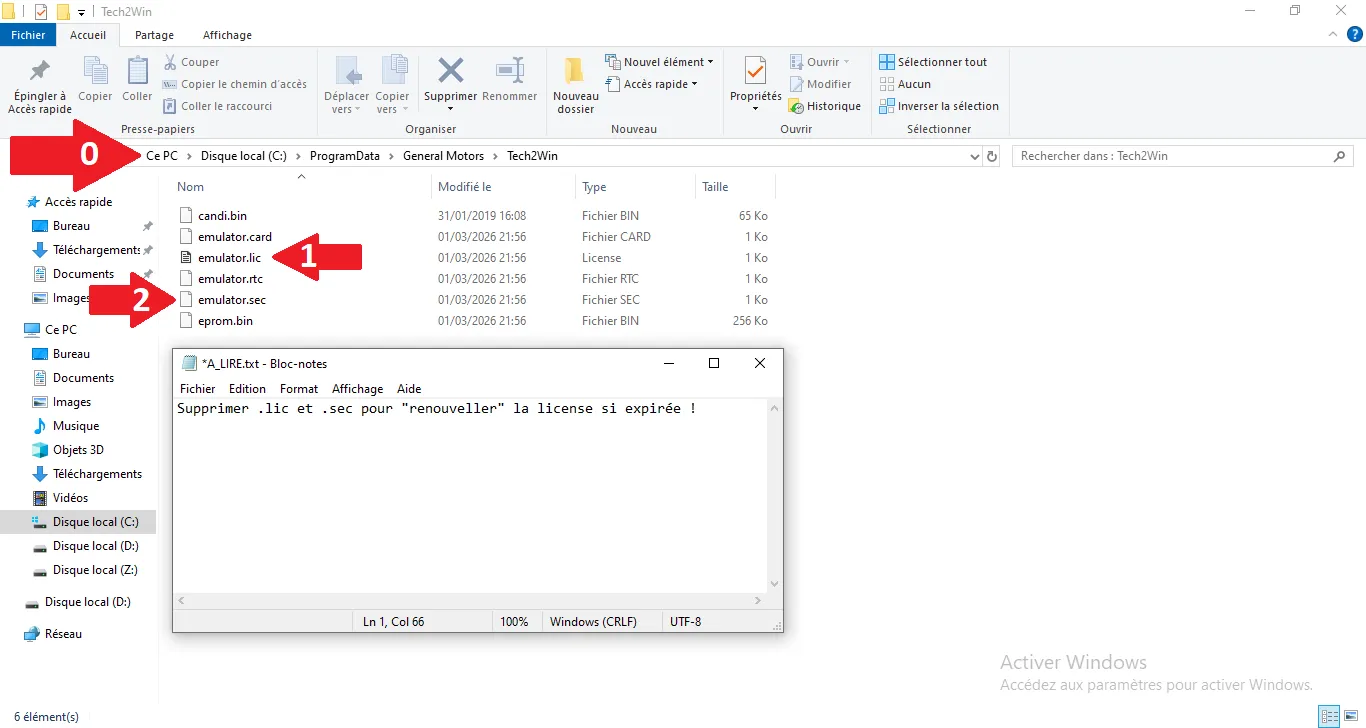
License Expired Fix
Comments
0 Comments