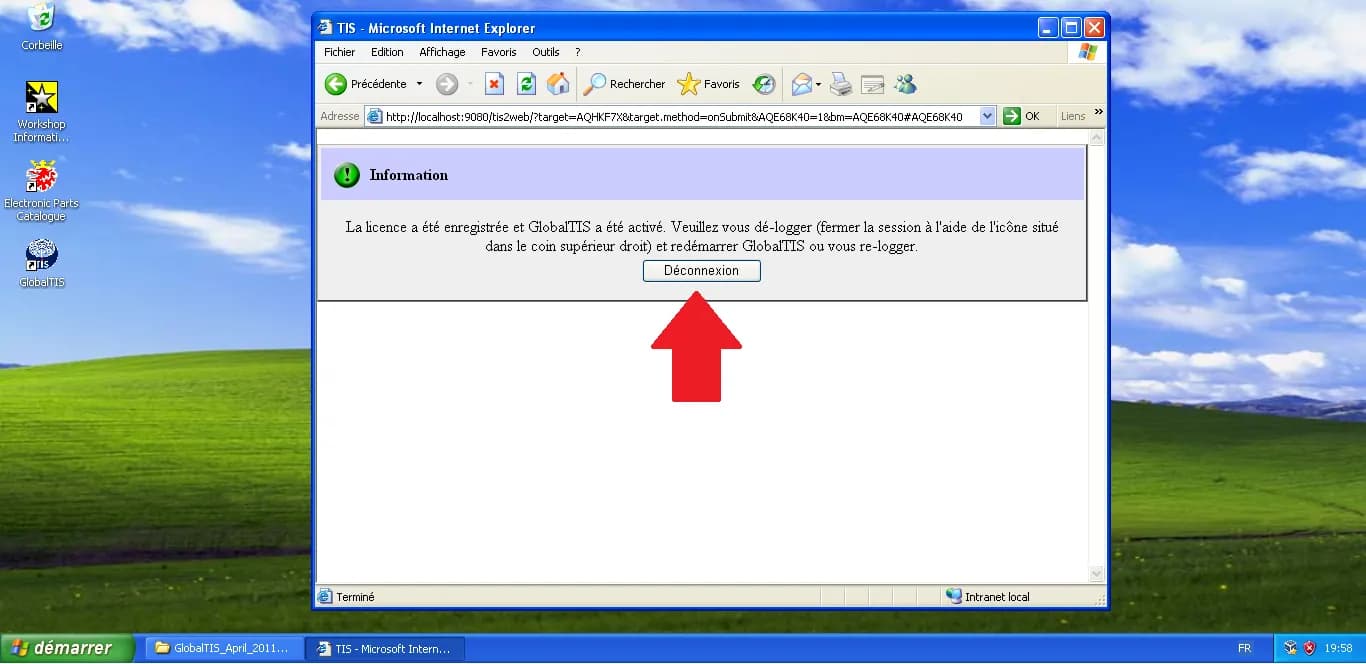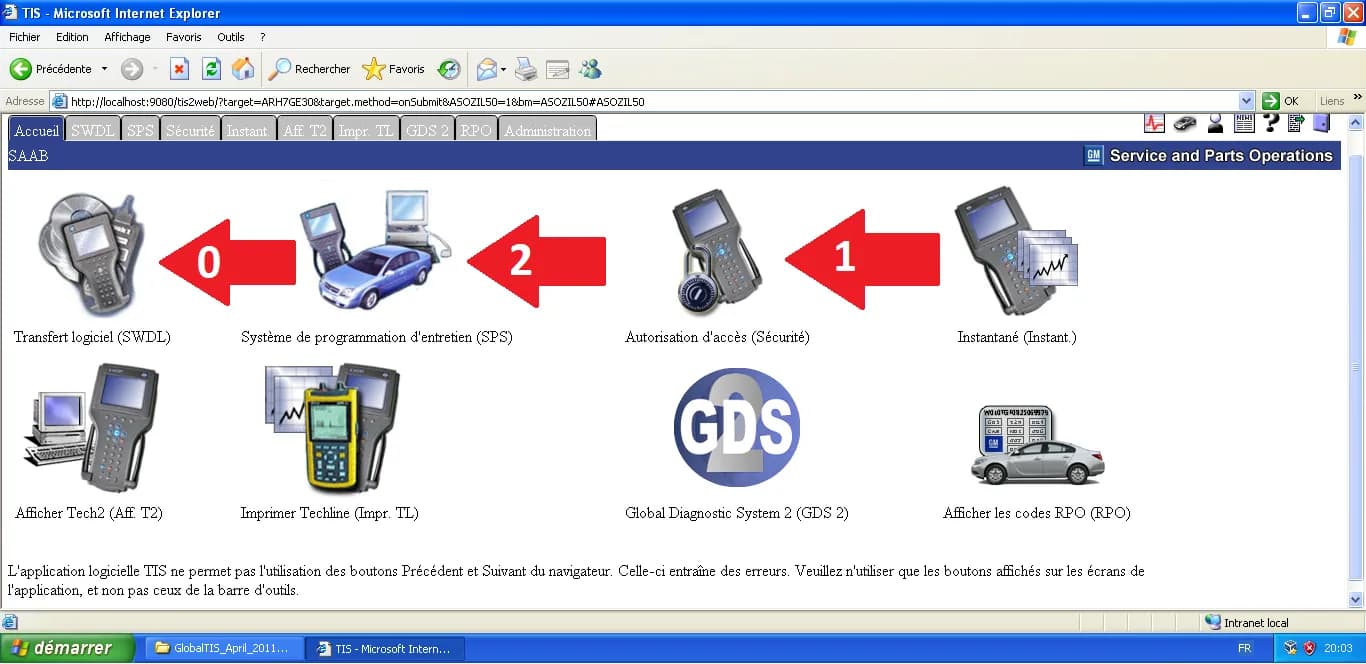
Once activated, GlobalTIS becomes the central hub for Saab 9-3 and 9-5 diagnostics. The interface, hosted locally via Internet Explorer, provides access to several critical legacy applications.
1. Initial Alerts
When logging in, GlobalTIS often displays information regarding software versions or internal news. This window lists the available software versions for the Tech2 handheld tool. For Saab 9-3 NG, version 148.000 is the standard reference. Click OK to close.
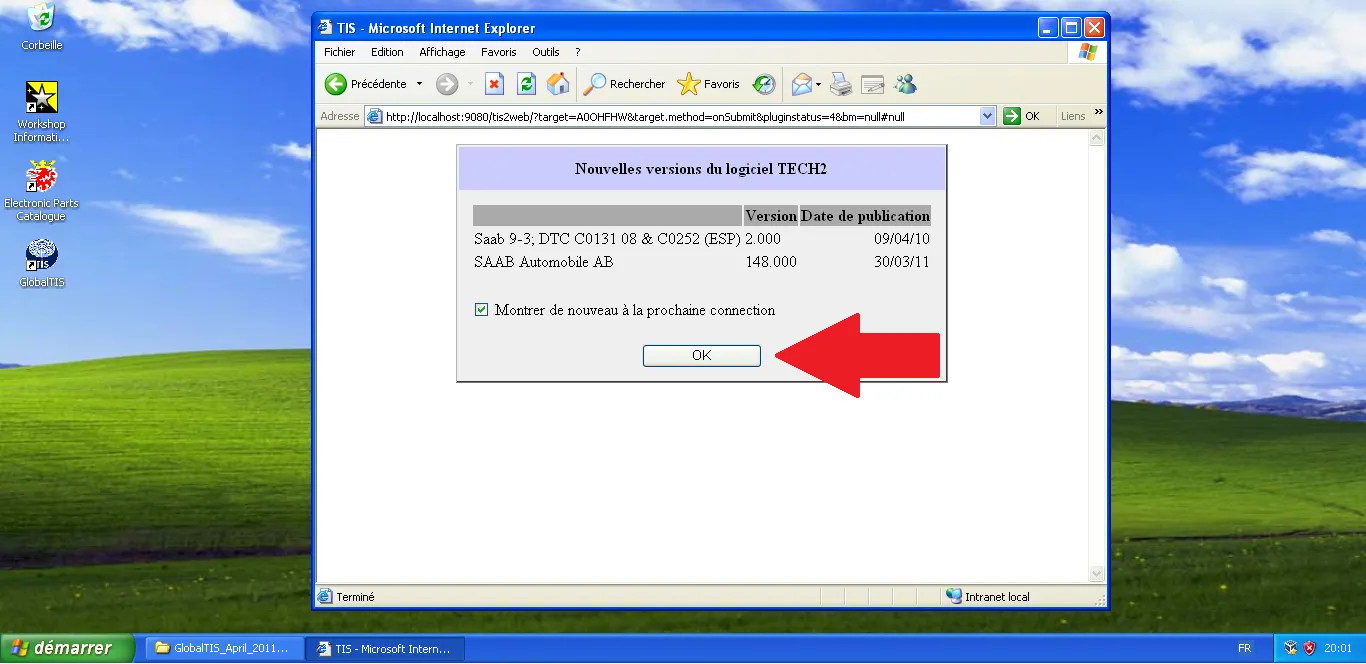
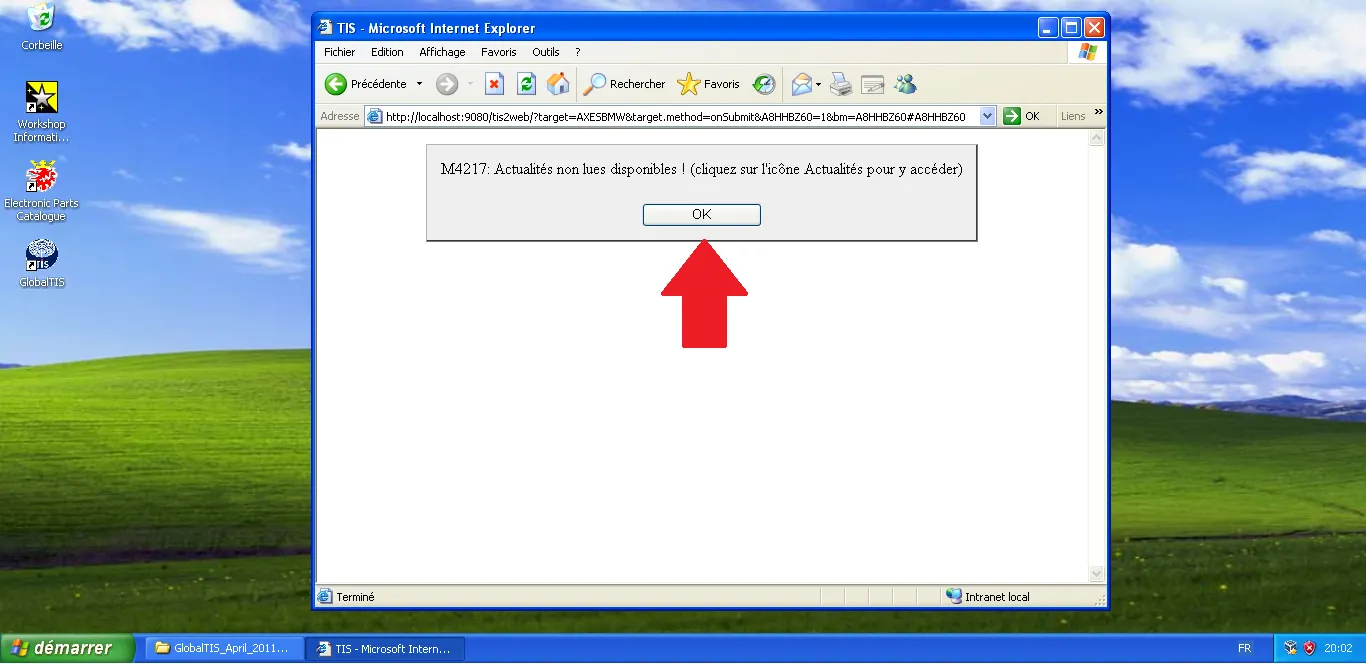
You might also see an alert regarding "unread news." This is standard for dealership-grade software. Click OK to reach the main menu.
2. The Main Dashboard
The "Home" screen is where you launch the Java-based applications required for physical diagnostic work.
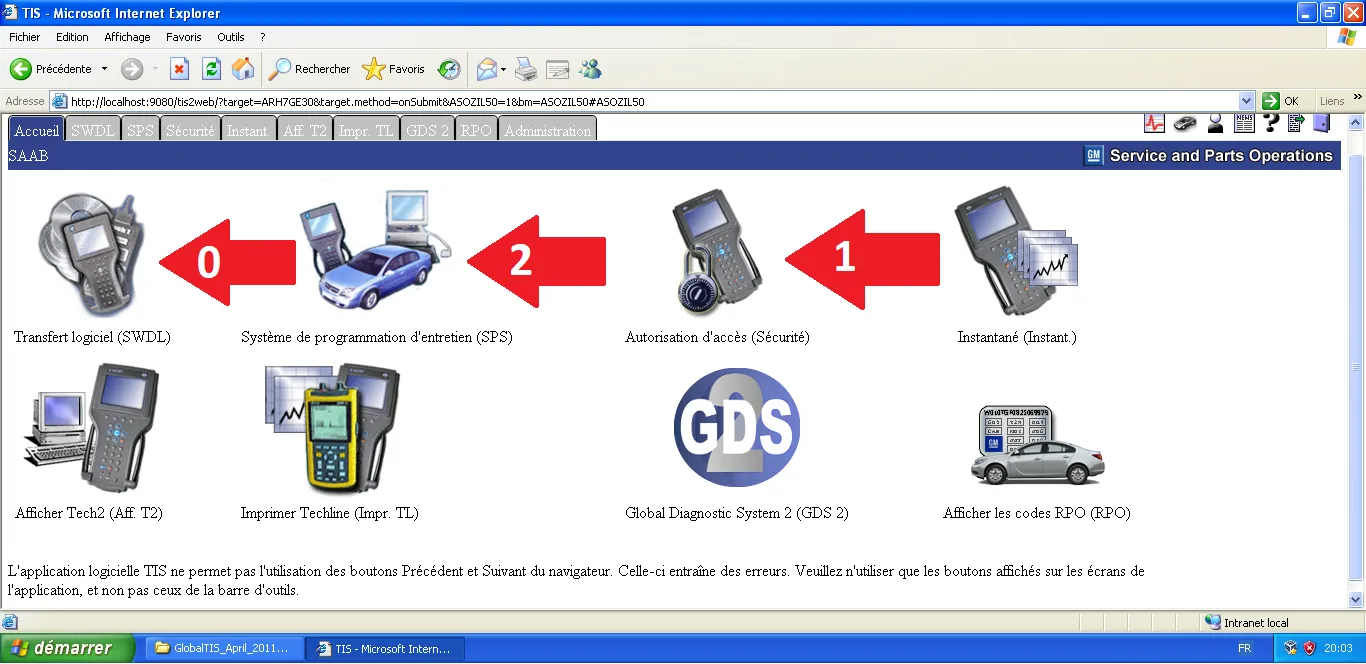
There are three pillars to know:
SWDL (Software Download)
This module is used to "flash" the PCMCIA card of your Tech2 (or its virtual equivalent). It ensures the diagnostic tool is running the correct Saab-specific software.
Security Access
Essential for high-level operations. It "authorizes" the Tech2 to perform sensitive tasks like key pairing or module configuration. Without this, the Tech2 will show "Security Access Denied" on the car.
SPS (Service Programming System)
The powerhouse of the suite. SPS is used to update or reinstall the firmware (calibrations) of the vehicle's electronic control units (ECUs). It is the tool used for "flashing" a new CIM or an engine controller.
Technical Tip: These modules require a specific version of Java (JRE 6) to run correctly. If the guides on workshop preparation were followed, the environment is already optimized for this.
Technical validation:
- Modules: SWDL, SPS, and Security Access are standalone Java Web Start apps.
- Compatibility: Strictly requires Internet Explorer and JRE 6u12+.
- Scope: Covers Saab 9-3 (2003-2012) and 9-5 (1998-2010).