Programming a Saab 9-3 (2003-2011) Key with Tech2 or Tech2Win
The Saab 9-3 (2003-2011) utilizes an advanced electronic key system with a transponder based on unique codes integrated into the CIM (Column Integration Module). Consequently, every new key must be programmed to function with the specific vehicle. This guide details the process for reprogramming a Saab 9-3 key.
To perform the programming, a compatible diagnostic tool (such as the Saab Tech2 / Tech2Win) and Security Access are required. Once the tool is connected to the vehicle and the addition menu is accessed, the new key can be registered by following the software instructions.
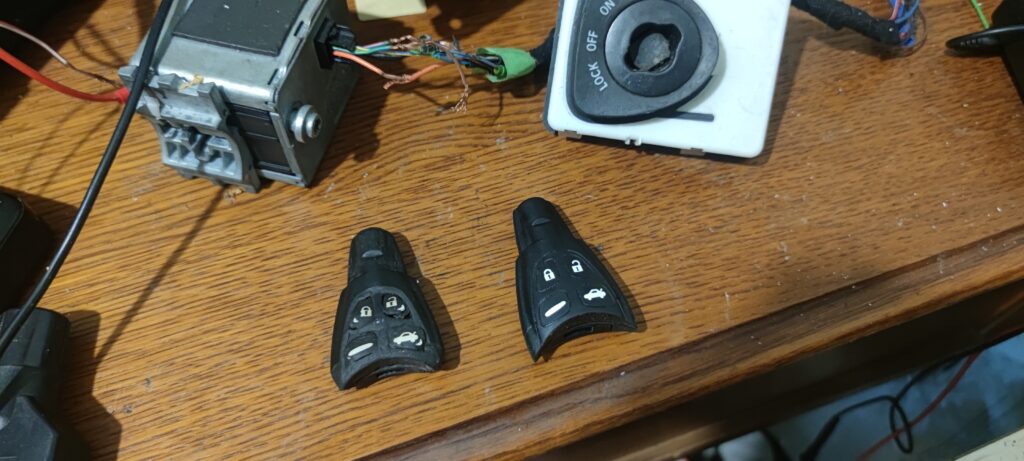
Equipment and Prerequisites
Before beginning, ensure the following items are available:
A compatible new key.
A compatible diagnostic tool, such as the Tech2 with a CANDi module, or Tech2Win with a compatible interface.
Security Access, which is essential to authorize the addition of a new key. This can be obtained directly via saabiste.net; for more information, click here.
Programming Saab Keys
Excerpt from the Saab WIS Online procedure:
Connect the diagnostic tool.
Select Diagnostics.
Select Model Year(s) and Vehicle Type(s).
Select All - Add / Remove - Add Keys.
Follow the instructions on the screen.
Video Procedure
Note
If a diagnostic tool is unavailable, key programming can be performed by a Saab specialist, an equipped mechanic, or via remote services.
Following these steps allows for the successful addition of a new key to the Saab 9-3 NG. Questions or feedback may be shared in the comments section below.
Sources & Useful Links:
https://saabiste.net/en/wis-saab/9-3%20(9440)2006gb/theft-protection/technical-description/key-code
Comments
Be the first to comment.