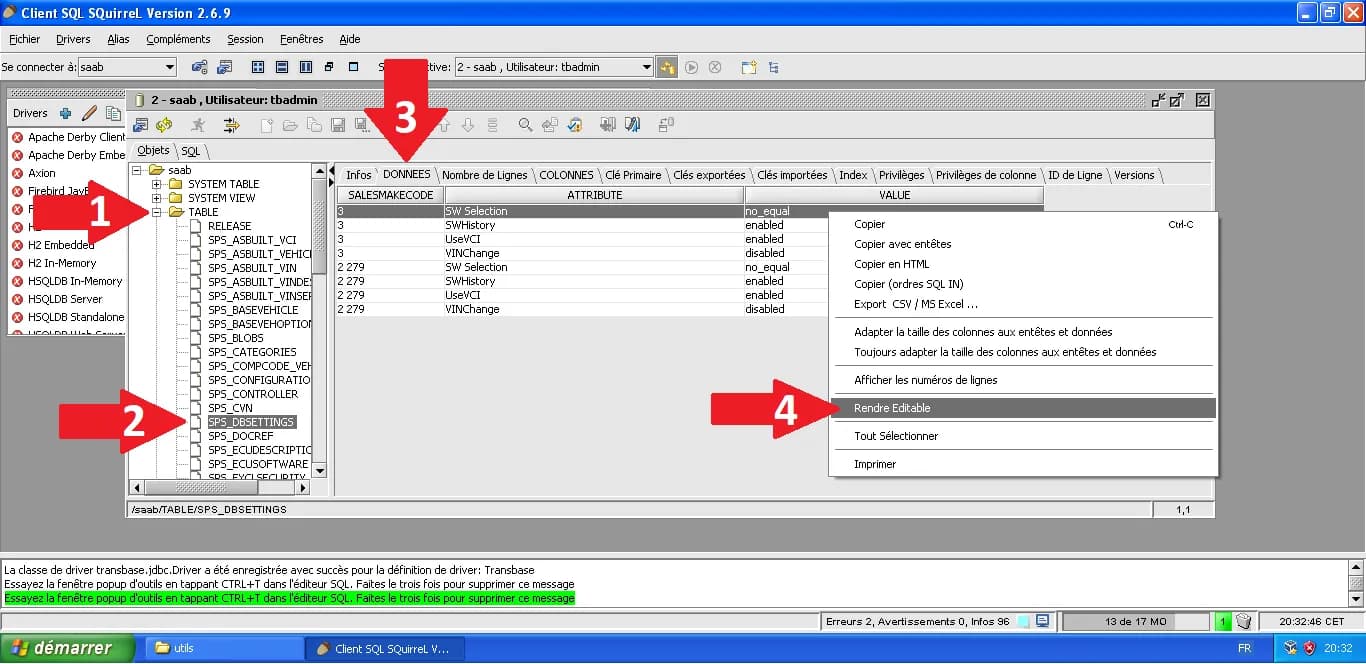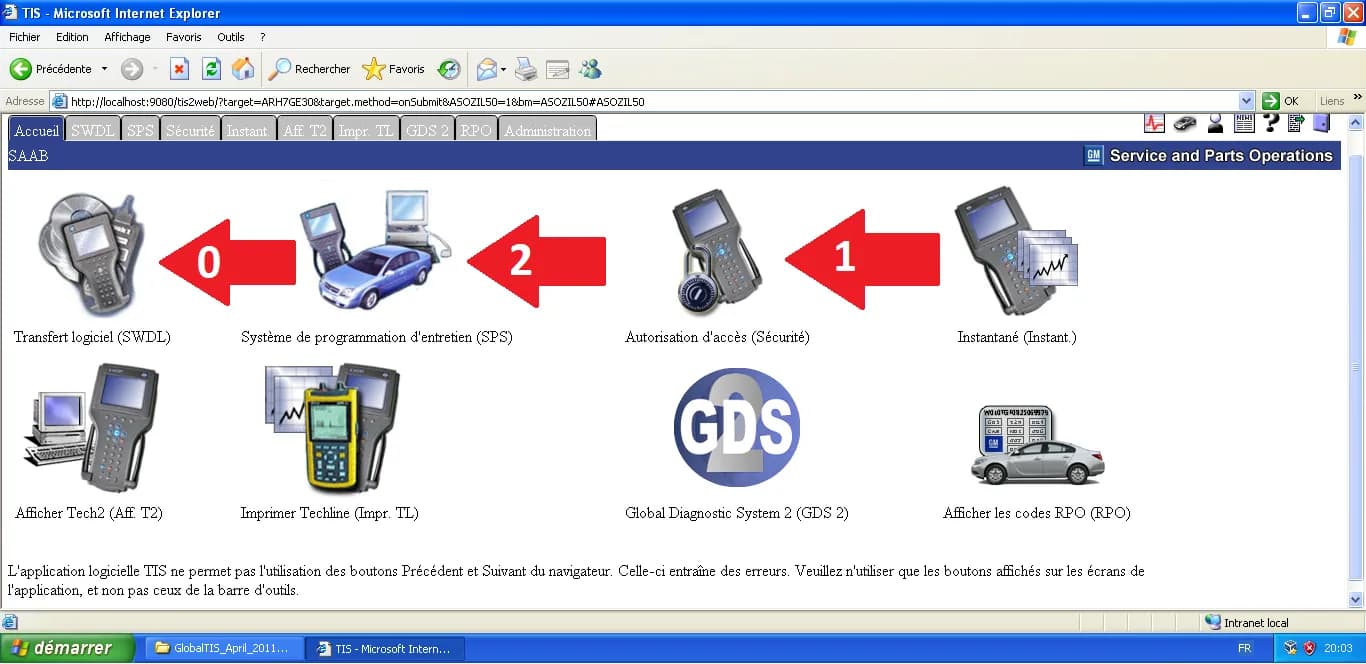
To run legacy Saab software like WIS (Workshop Information System) or EPC (Electronic Parts Catalog) on a modern computer (Windows 10 or 11), the most reliable method is to use a Virtual Machine (VM) running Windows XP.
This guide explains how to install VirtualBox 5.2.44, a specific version chosen for its stability and excellent compatibility with the legacy tools we will use later.
1. Downloading the Software
First, we need to retrieve the installer and its Extension Pack from the official archives. Go to virtualbox.org and click on the large "Download" button.
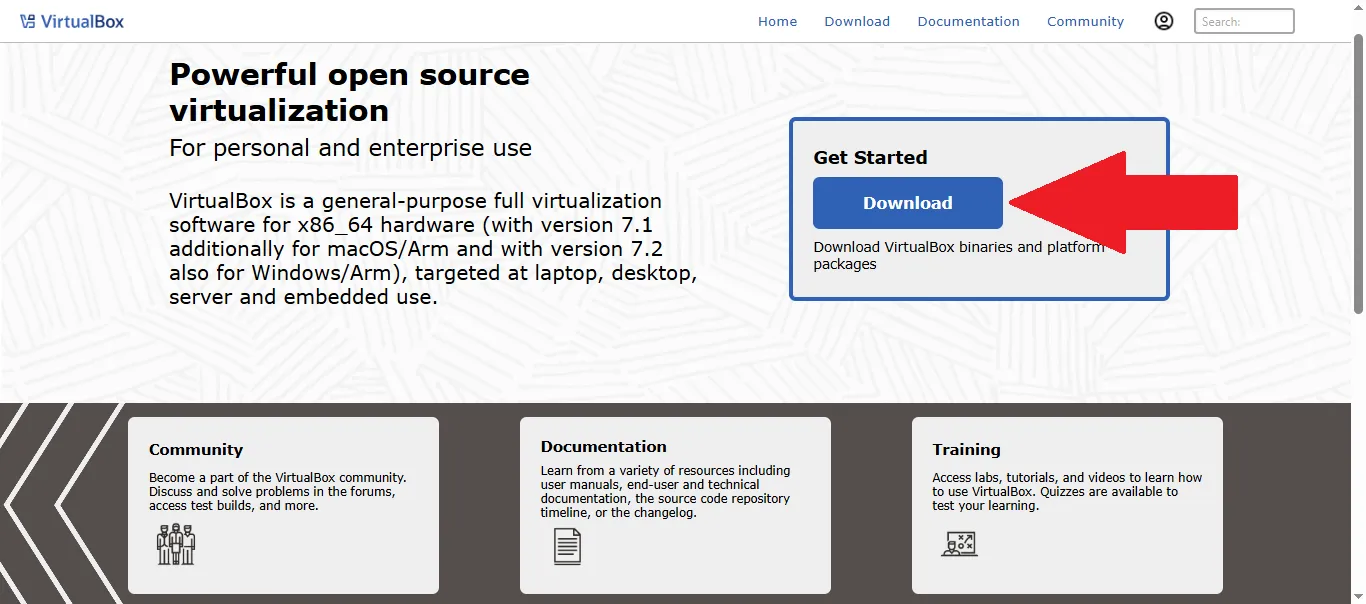
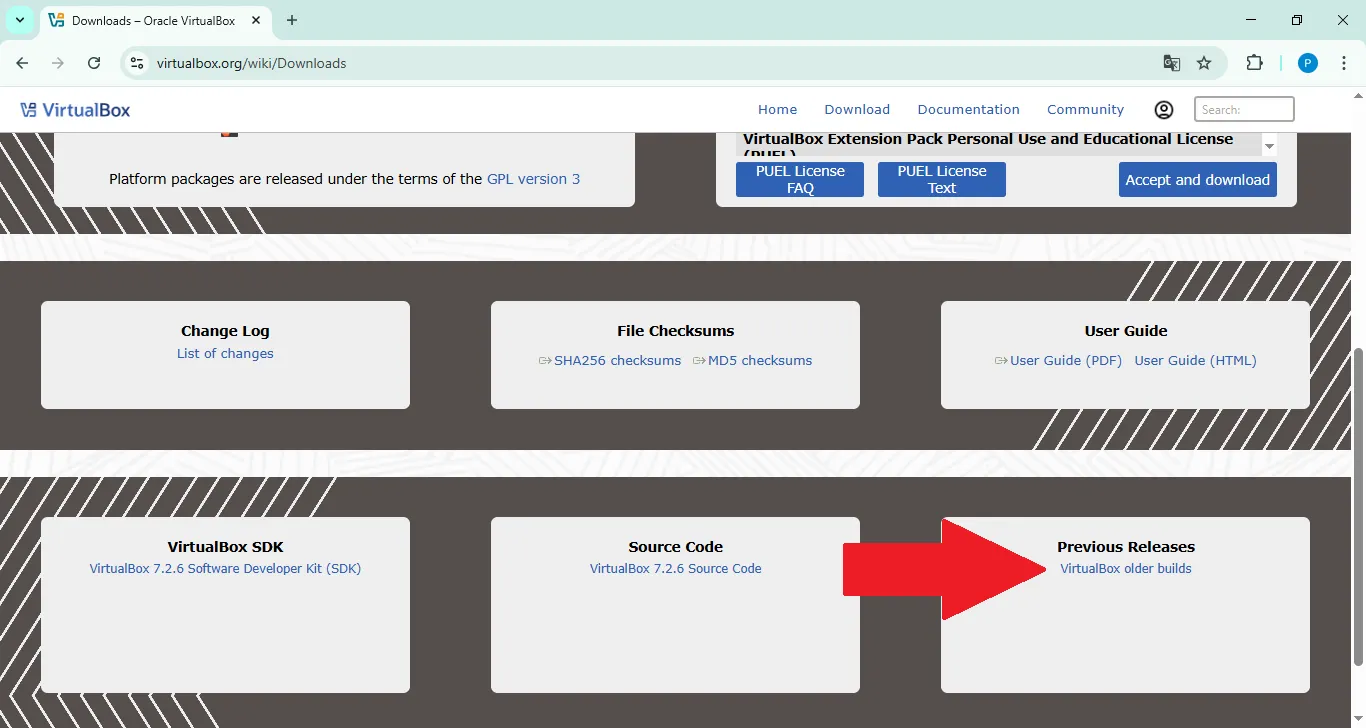
On the Downloads page, look for the "VirtualBox older builds" link in the "Previous Releases" section.
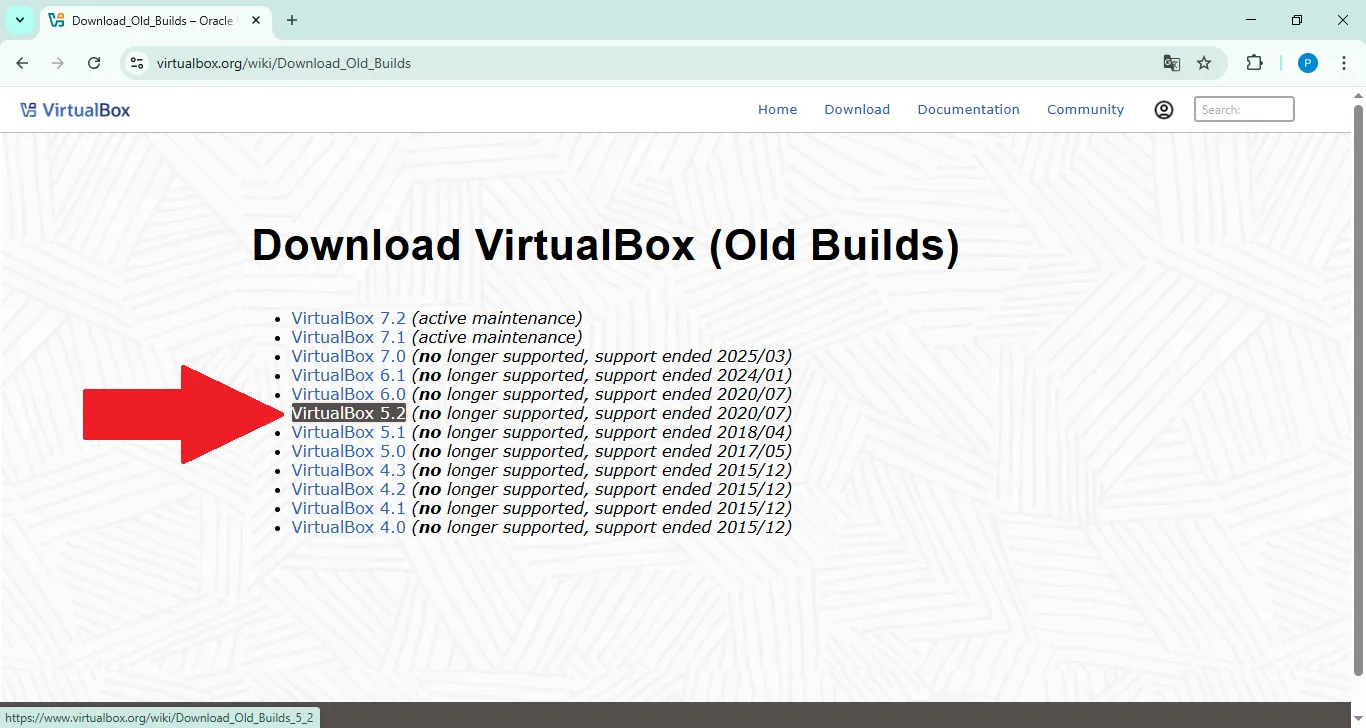
In the list of old versions, click on "VirtualBox 5.2".
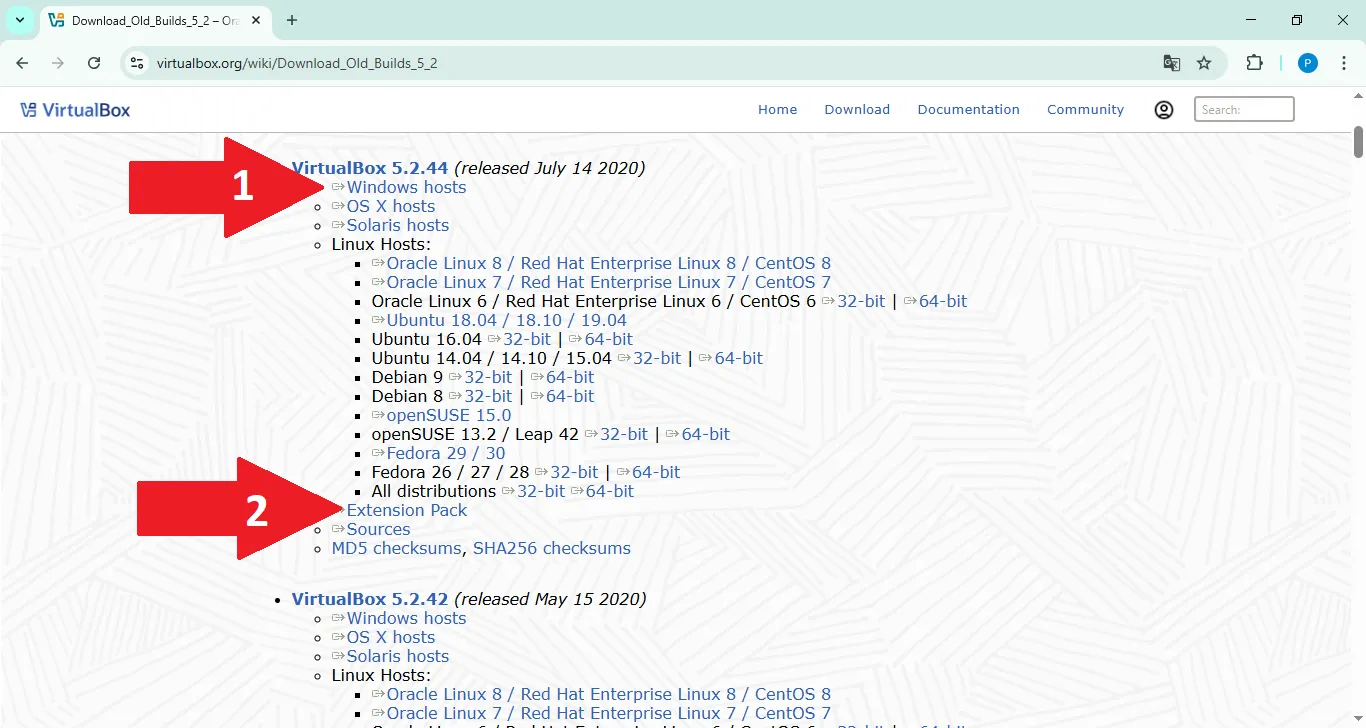
Download two files:
- "Windows hosts" (the main installer).
- "Extension Pack".
2. Installing VirtualBox
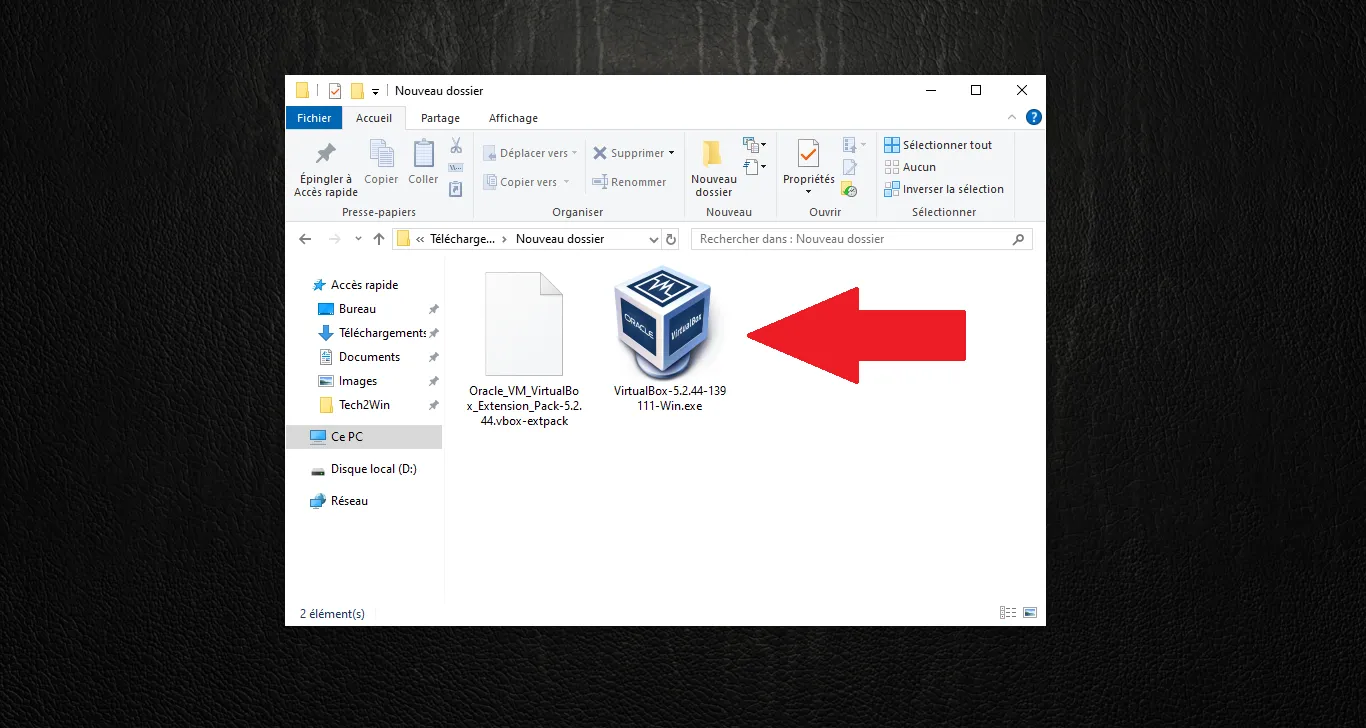
Locate the downloaded .exe file in your Downloads folder and run it as an Administrator.
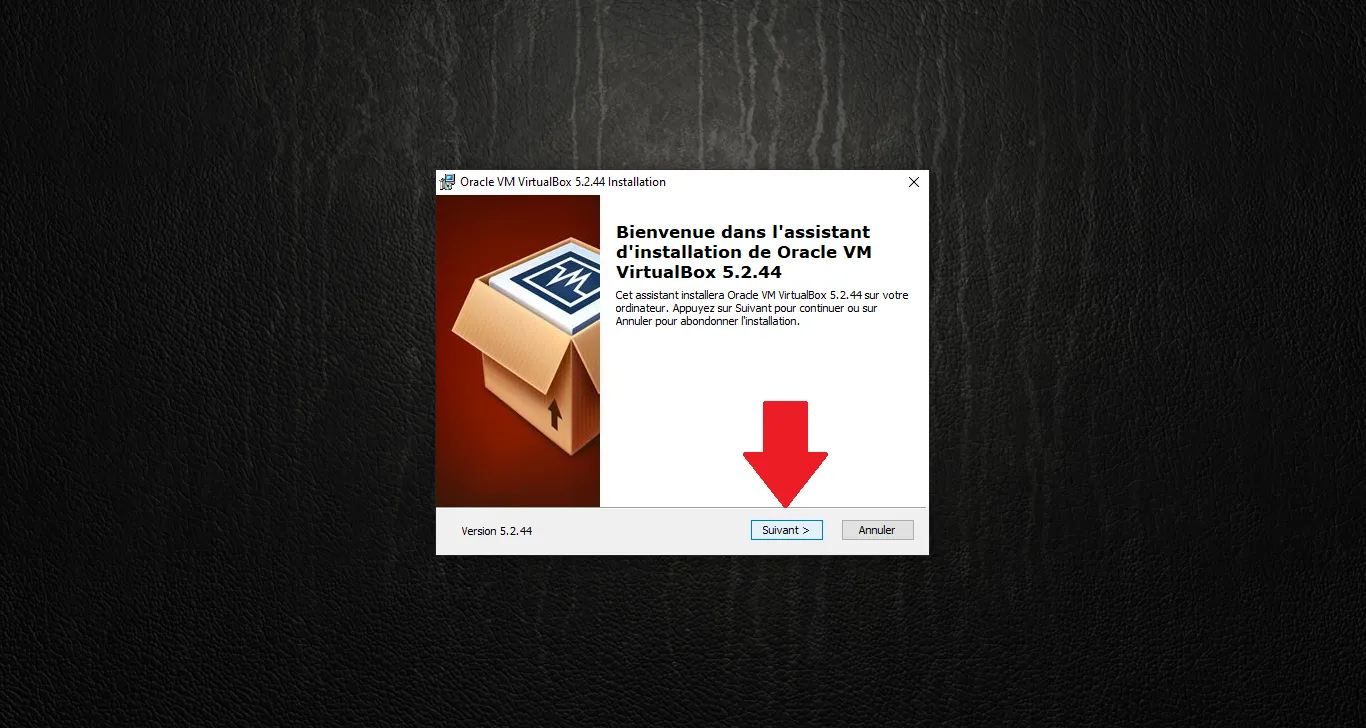
On the welcome screen, click "Next >".
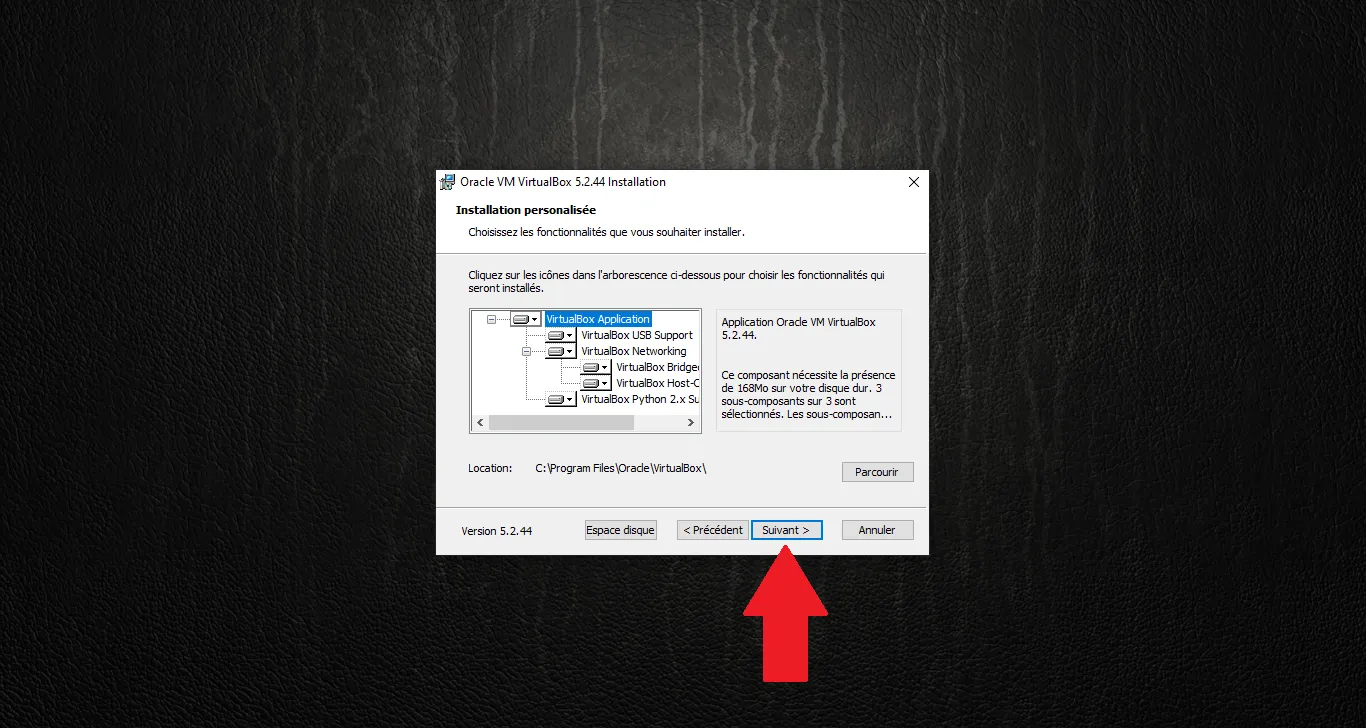
Keep the default components and click "Next >".
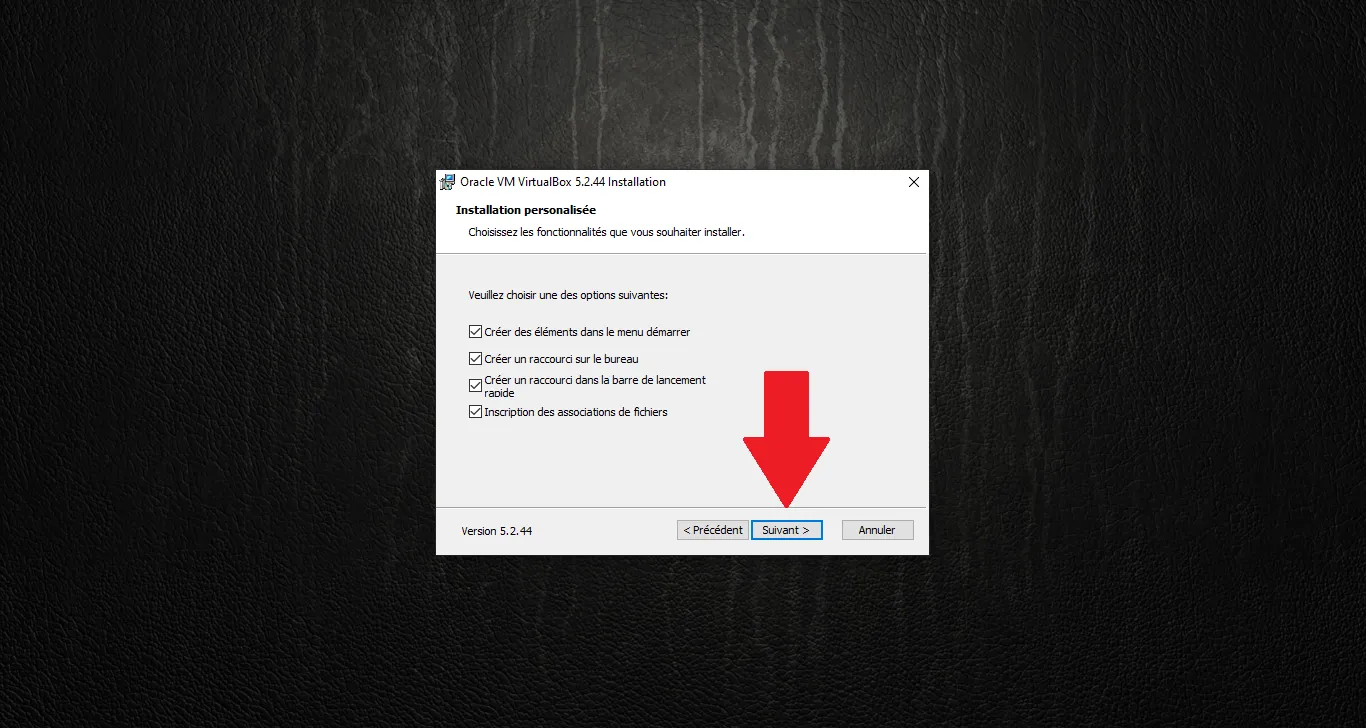
Choose your shortcut preferences and click "Next >".
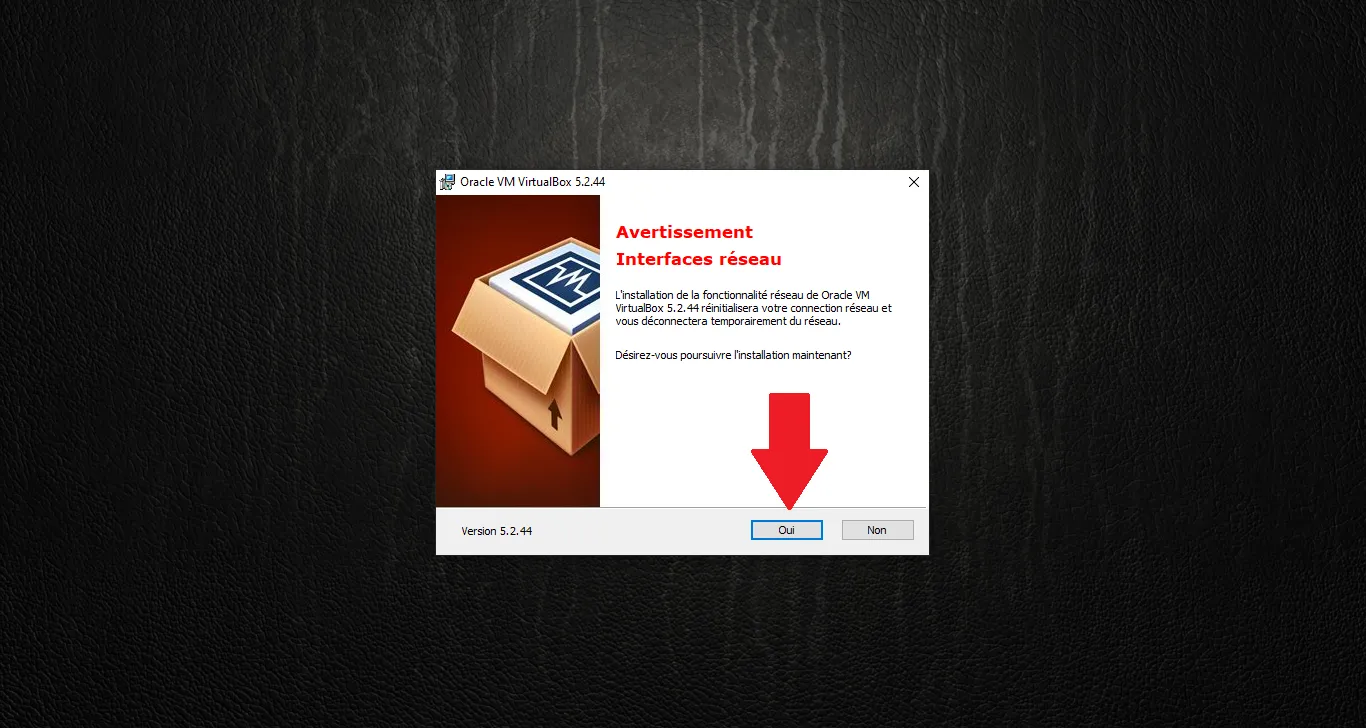
A warning will inform you that your network connection will be temporarily reset. Click "Yes".
Everything is ready. Click "Install".
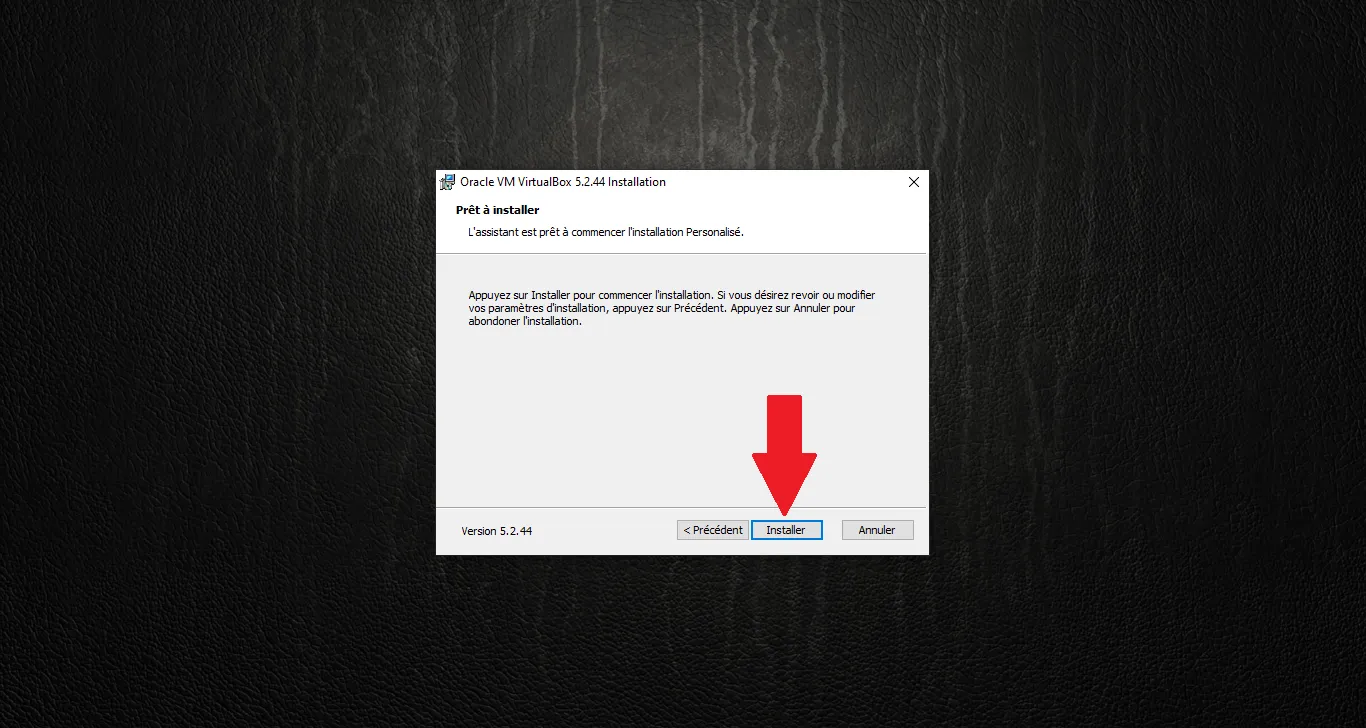
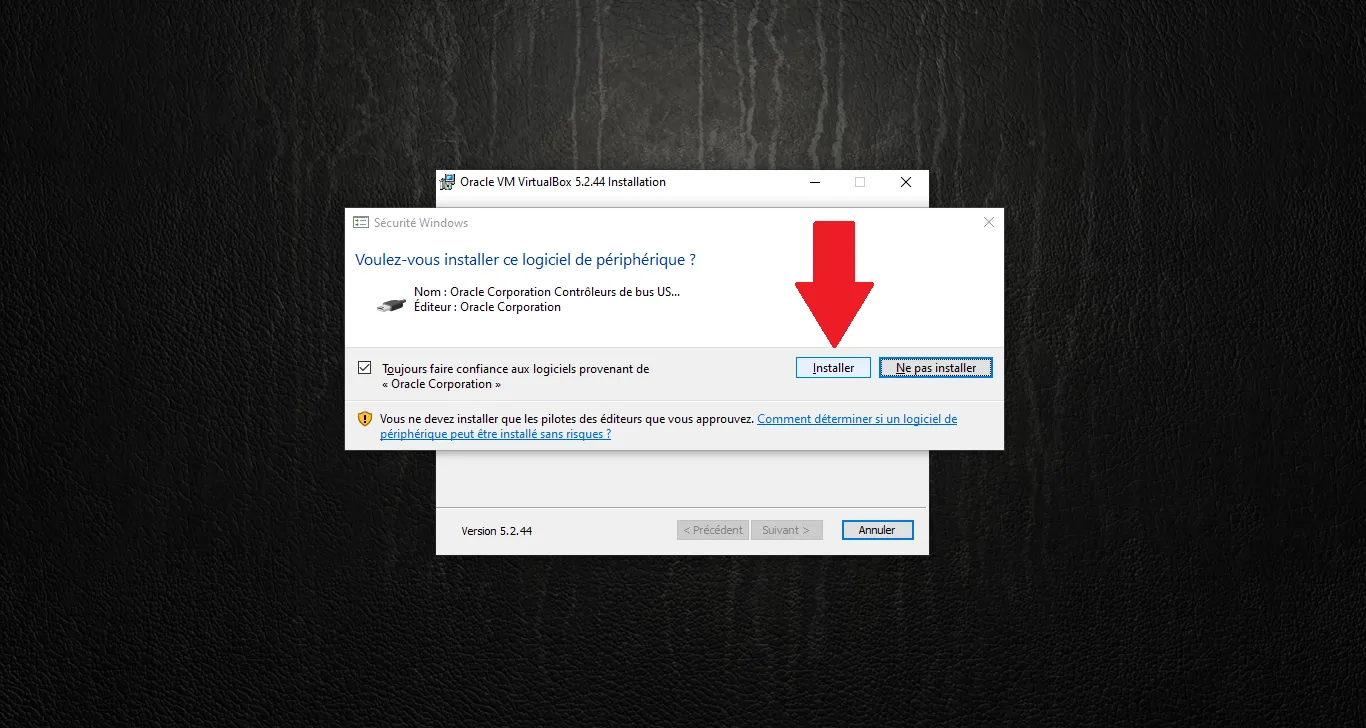
During installation, Windows Security may ask to install the Oracle device driver. Click "Install".
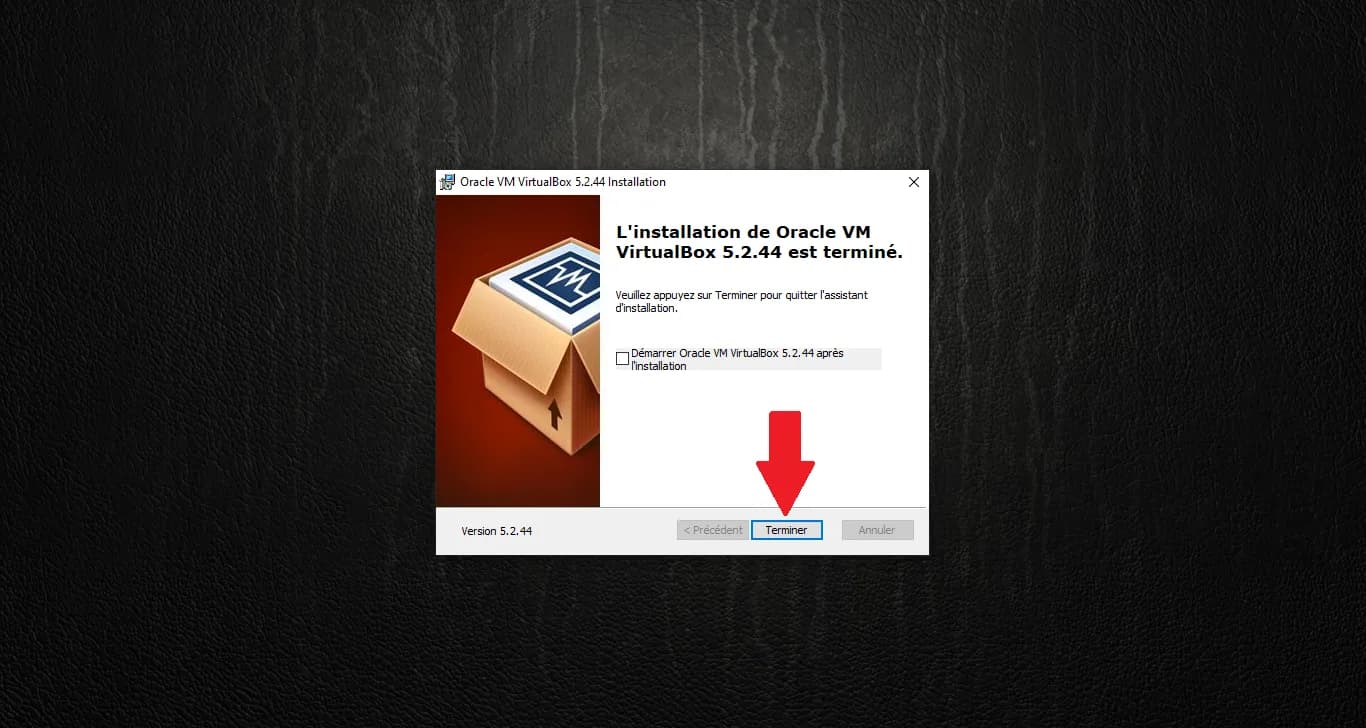
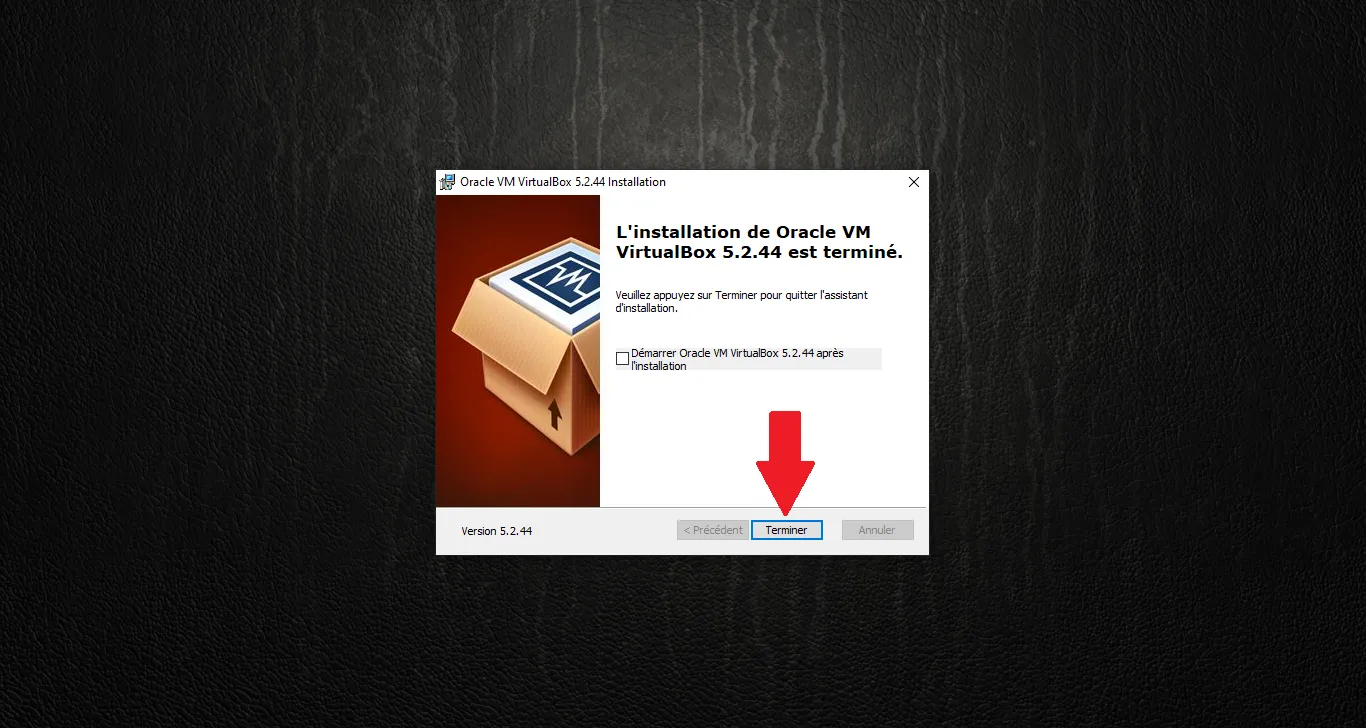
The installation is complete. Click "Finish".
3. Installing the Extension Pack
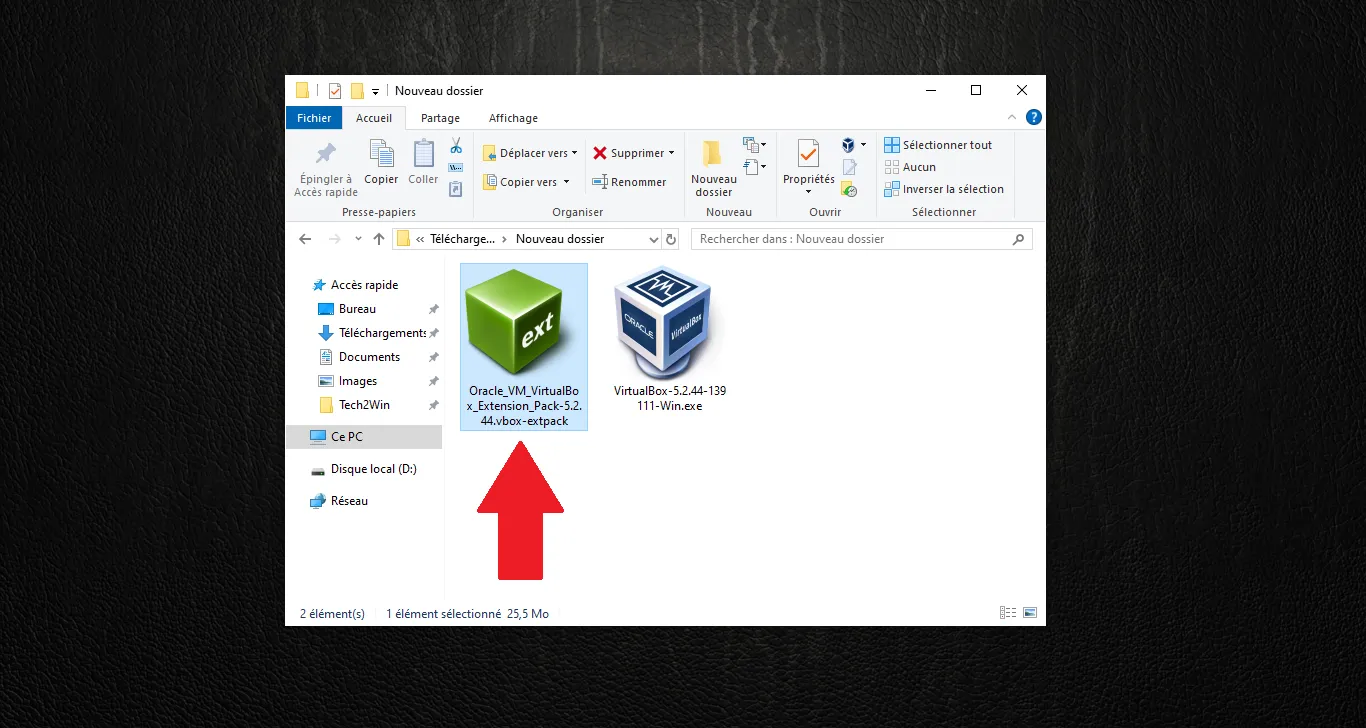
The Extension Pack is essential for USB 2.0/3.0 support, file transfer, and copy-paste features. Locate the Extension Pack file (with the .vbox-extpack extension) and double-click it.
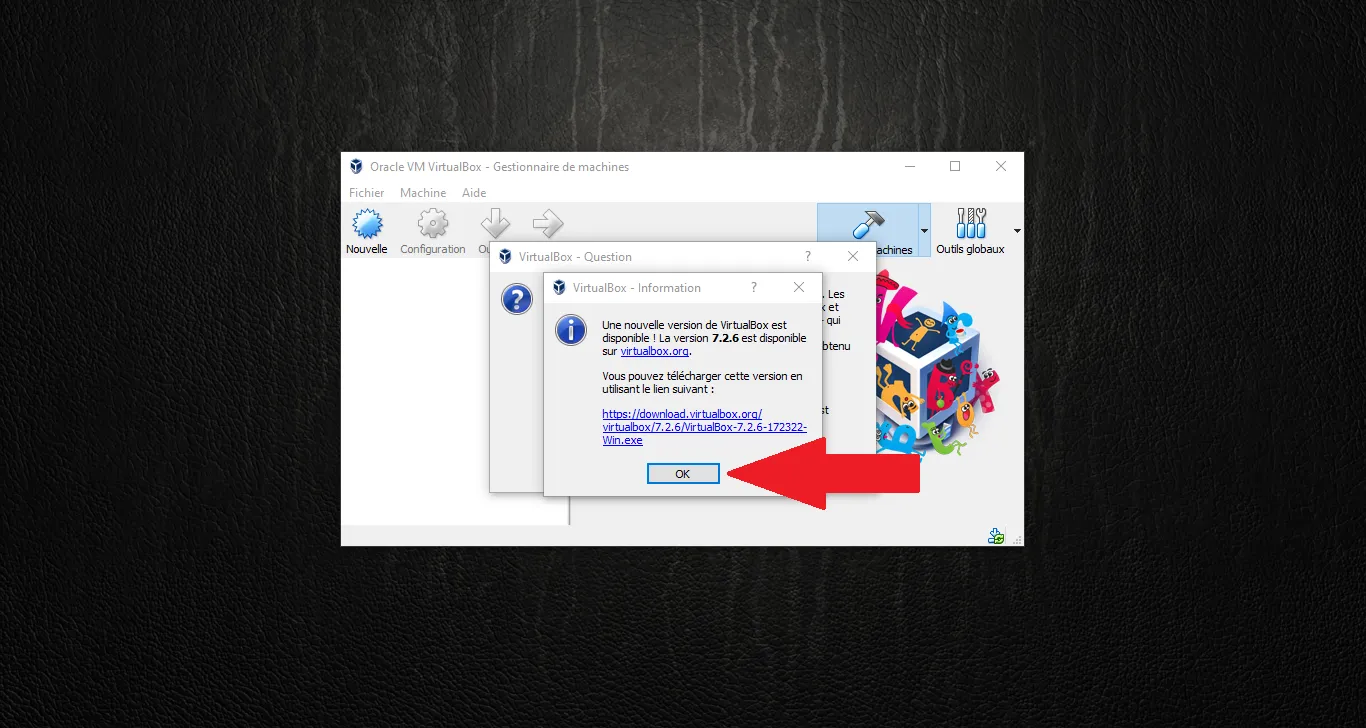
If VirtualBox opens with a message about a newer version being available, simply click "OK" (we want to stay on 5.2.44).
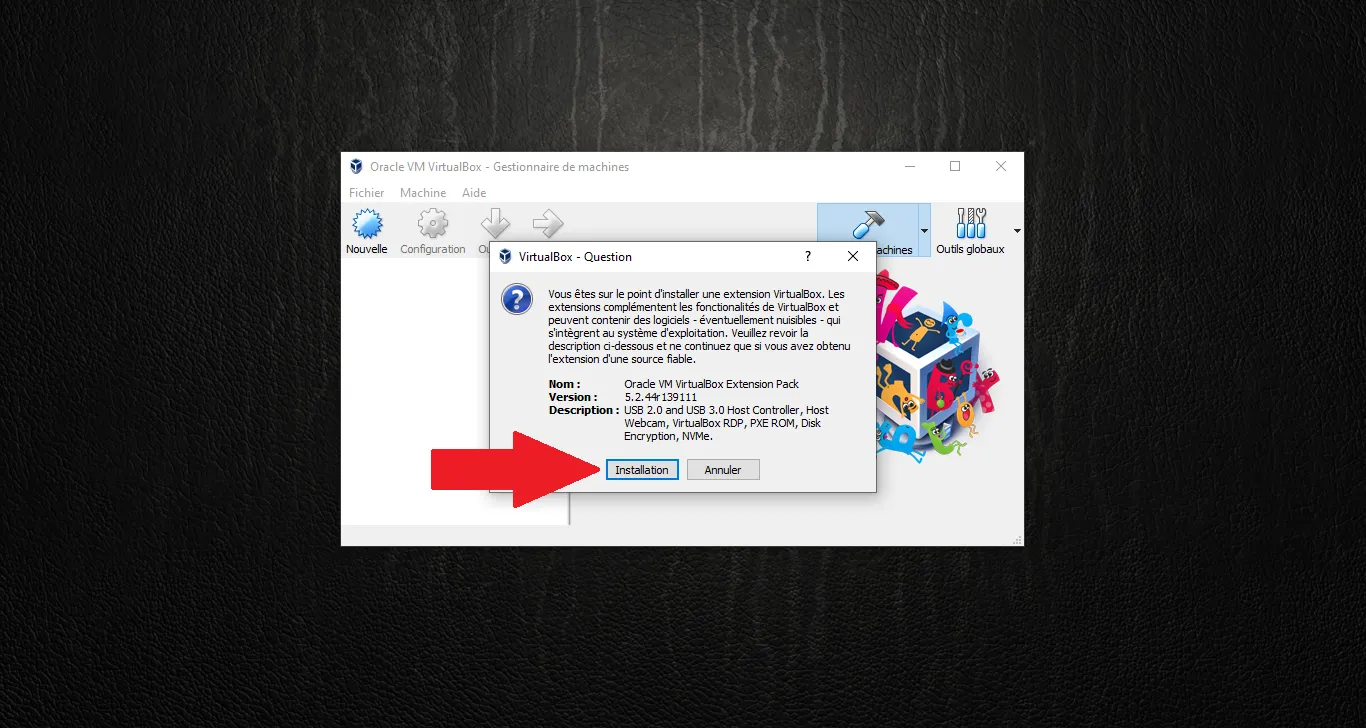
A confirmation window will appear. Click "Install".
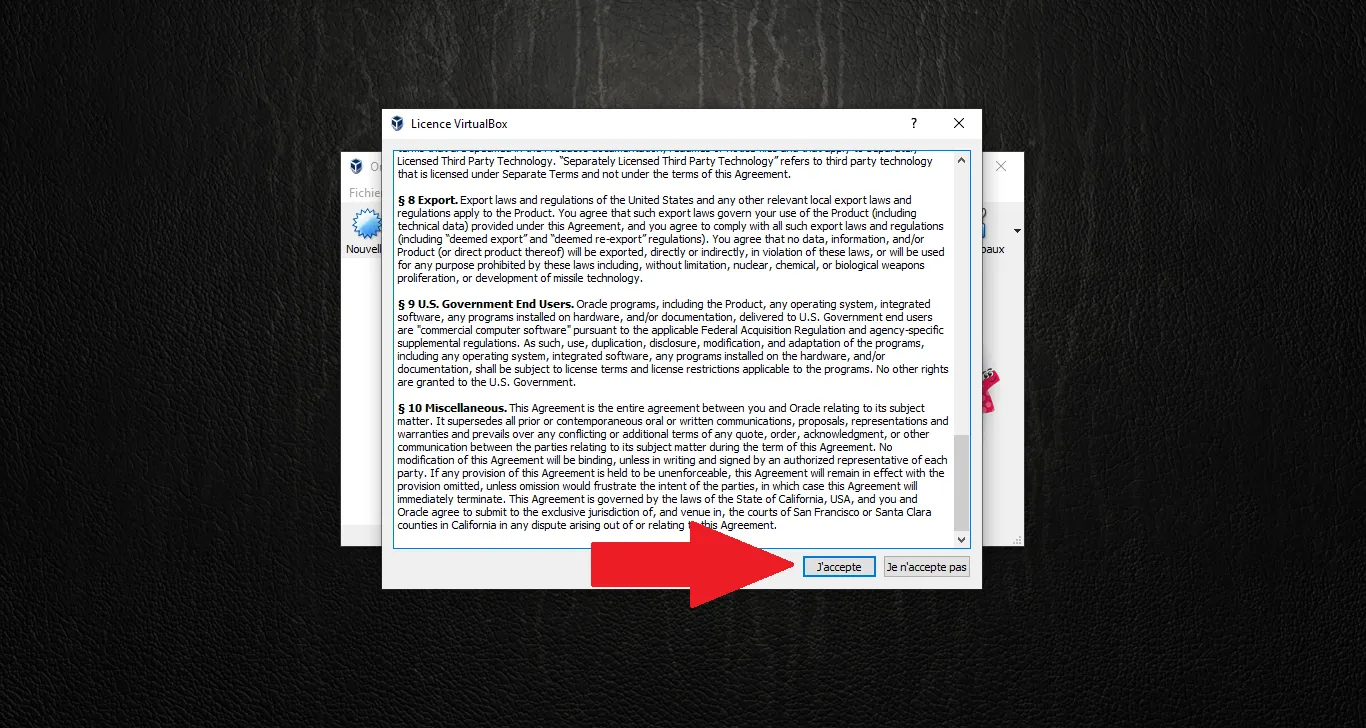
Scroll through the license agreement and click "I Agree".
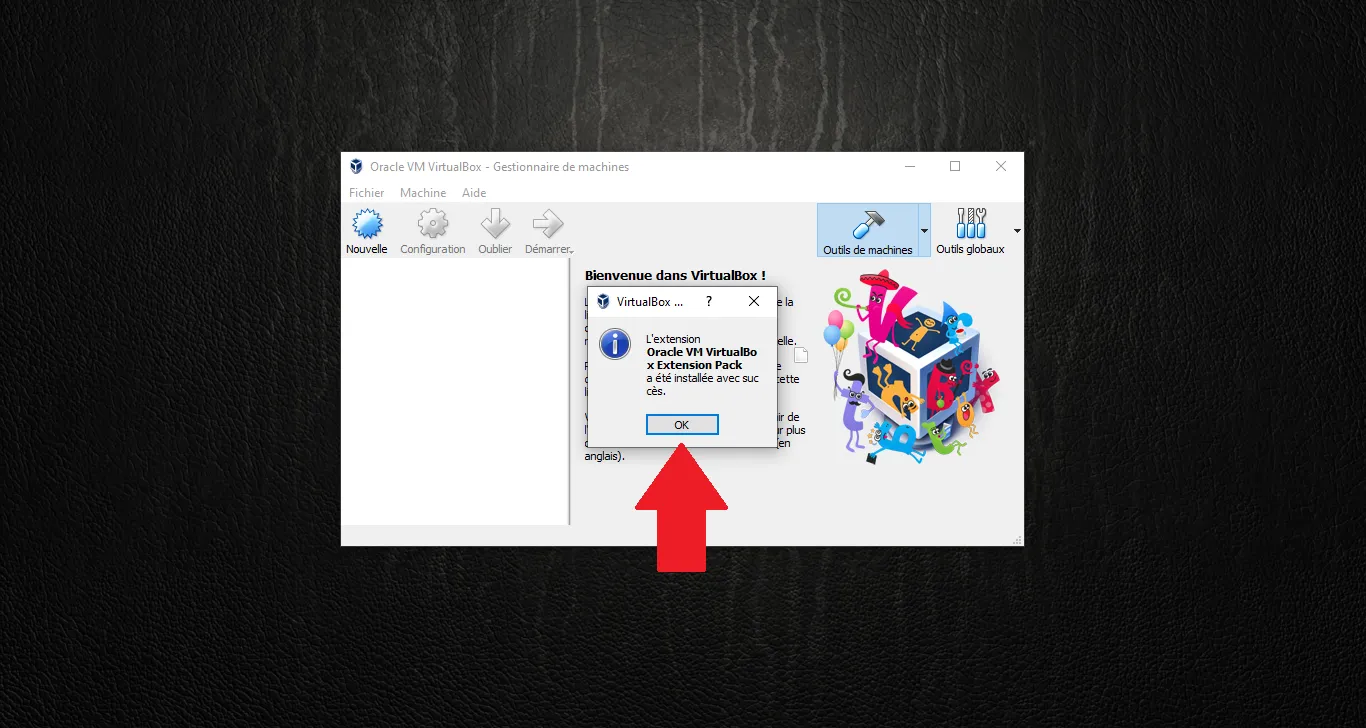
A message confirms the Extension Pack was installed successfully. Click "OK".
Note: Your virtualization environment is now ready. In the next article, we will see how to create a Virtual Machine specifically configured for Windows XP.
Technical validation:
- VirtualBox 5.2.44: Chosen for compatibility with legacy Guest Additions (Saab software context).
- Extension Pack: Required for USB pass-through (VCI diagnostic tools).